Locked-Layout ReskinTransitions
One object is replaced by another at the same anchor point, so the viewer's gaze never moves.
The new subject appears exactly where the eye already is, so the viewer never has to search the frame. The product stopping at the spot where it is worn ties object and person together without a visible cut.
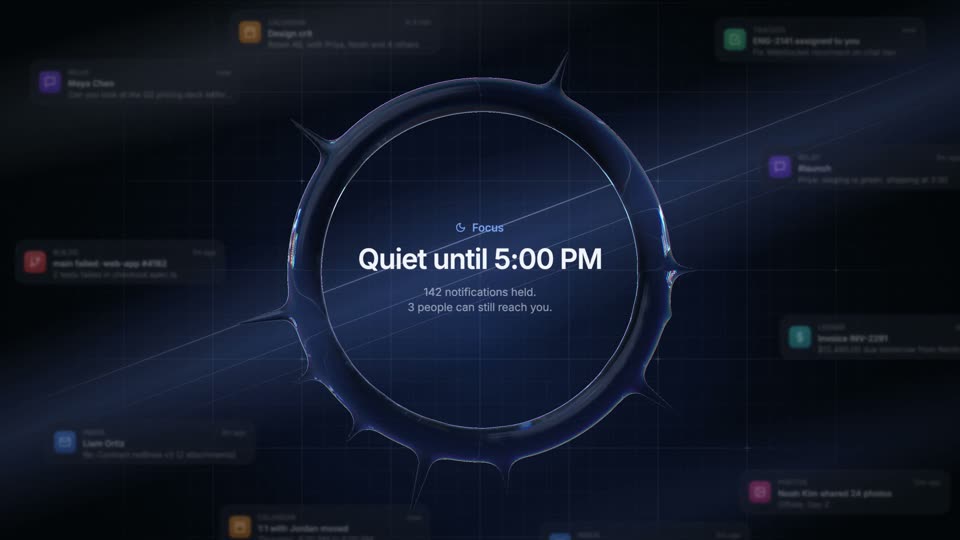
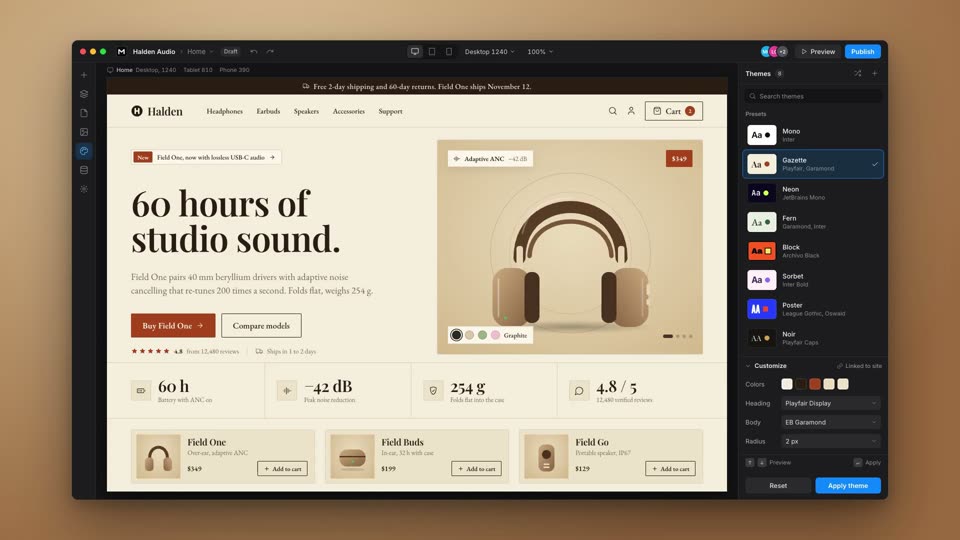
expo.out 1.3s; every scene then drifts 3% (scene 6: 5%) with ease: "none"; popover expo.out 0.4s; badge scale 0.6 to 1 expo.out 0.35s; cards expo.out 0.5s, 0.16s stagger; cursor expo.out 0.55s; press scale 0.88 power2.out 0.08s; avatar to center expo.out 1.1s#e8734a, 112px, initials MC) fixed at the anchor through six app scenes: team chat, calendar invite, issue tracker, pull request review, video call, and the product Kite, where cards fade up and a cursor clicks Approve. In the end card the avatar moves 40px right and 90px down, scales to 1.45x, swaps its initials for a gem glyph and becomes the mark beside the wordmark#6d83c9 to #2e2f6b), white, #0b0c0d, white, #141416, warm dark radial (#3a2219 to #09090a); accent #e8734a; Inter UI text and JetBrains Mono metadata. Wordmark Inter 600 128px, letter-spacing -0.035em, #f4f4f5Build a transition called Match Cut, 10s. Anchor one orange avatar (#e8734a, 112px, initials MC) at the same center (780, 450) for the whole film, and build six app scenes as UI sheets, each scaled so its own avatar is exactly 112px at that anchor: a team chat on a blue radial background (0-2.0s), a calendar invite on white (2.0-3.0s), an issue tracker in near-black (3.0-3.75s), a pull request review on white (3.75-4.4s), a video call in dark gray (4.4-5.05s) and the product on a warm dark gradient (5.05-7.4s). Cut hard between scenes by flipping scene opacity on a single frame with no cross-fade. The opening wide shot pushes from 0.55x to 1x over 1.3s with expo.out, then every scene drifts 3% (scene 6: 5%) with ease: "none". Inside scenes, use one-frame swaps for state (status at 3.3s, mic at 4.6s, Approve to Approved at 6.85s) and small expo.out entrances (popover 0.4s, badge 0.35s, cards 0.5s with 0.16s stagger from 5.2s, a cursor in 0.55s at 6.25s). At 7.4s fade the product out over 0.45s, move the avatar 40px right and 90px down at 1.45x over 1.1s with expo.out, swap its initials for a gem glyph, set the wordmark in at 8.1s (0.7s expo.out, 128px Inter 600) and hold to 10s.