Macro Pull-out RevealProduct reveal
A line-art 3D laptop turns upright while closed, opens, pushes in on the keyboard, then pans from key to key in step with the option selected in the UI beside it.
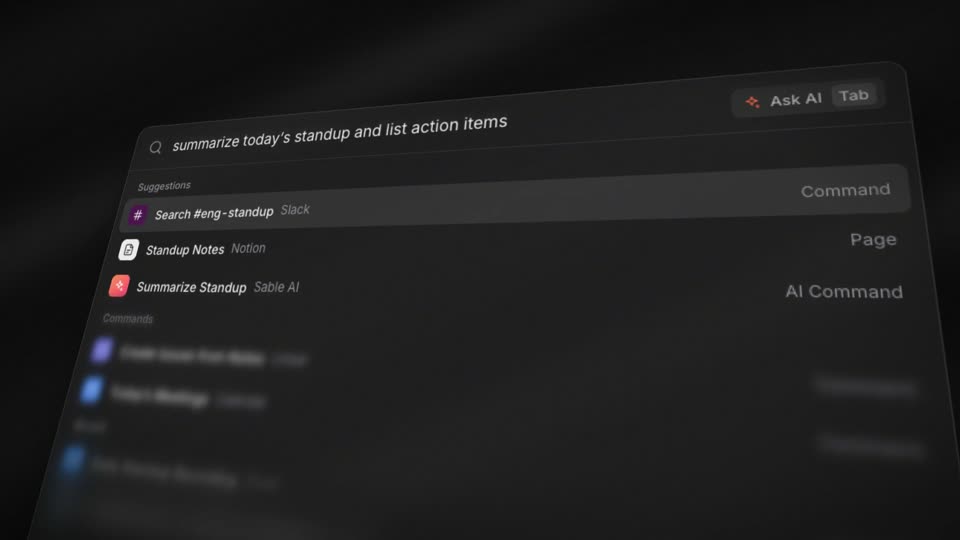
The key highlight and the dropdown selection on the right happen on the same frame, so viewers link each key to its setting at a glance. A long telephoto lens flattens perspective, so the keys stay flat and readable after the push-in. The material is white with a 1.2px dark gray outline, and yellow is the only color in the frame.
cubic-bezier(0.16,1,0.3,1) (expo.out); yaw, lid opening and camera retarget easeInOutCubic; rise easeOutCubic; highlight fade 0.2s easeInOutCubic#e5b92f; the pan target is the key group of the option just selected#a9a9a9 body 2.2px, #b8b8b8 keys 1.8px at 2x pixel ratio), yellow accent #f6c83e (highlight #f6d45a); 3D on the left (760px), UI on the rightBuild an input-method onboarding demo called Device Push-in Focus. Split the page: 3D on the left (760px), UI on the right. The left side is a line-art 3D laptop with white material, gray outlines (2.2px body, 1.8px keys at 2x pixel ratio), accent color yellow #f6c83e, and a Three.js perspective camera with a 22° fov (telephoto) looking along a fixed direction (0.62, 0.78, 0.9). Sequence: the laptop rises in over 0.5s, turns yaw from 35° to 0° while closed over 0.7s, opens the screen lid from 0° to 112° over 0.55s (easeInOutCubic for both), then the camera pushes in on the keyboard over 1.6s (expo.out, dolly 150→60 units) and the keys for the current option light up in yellow (0.2s). After a 0.5s hold the key sinks 0.22 units and springs back (0.25s). When the dropdown on the right selects a new option, pan the camera to the matching key group over 0.8s (expo.out) starting right after the selection; the new keys highlight 0.6s into the pan and press 0.4s after that. Pan targets are ⌥+Space, then ⌘+⇧+K, then fn.