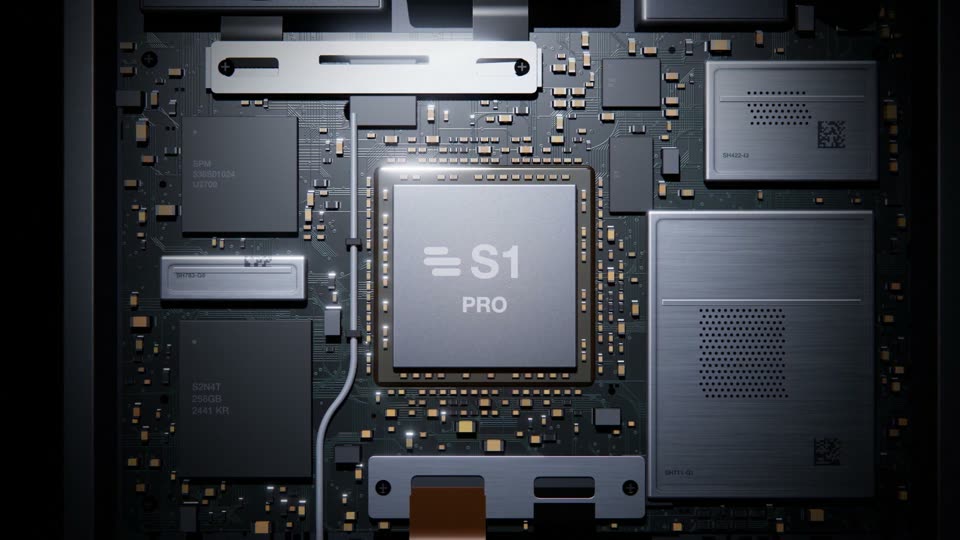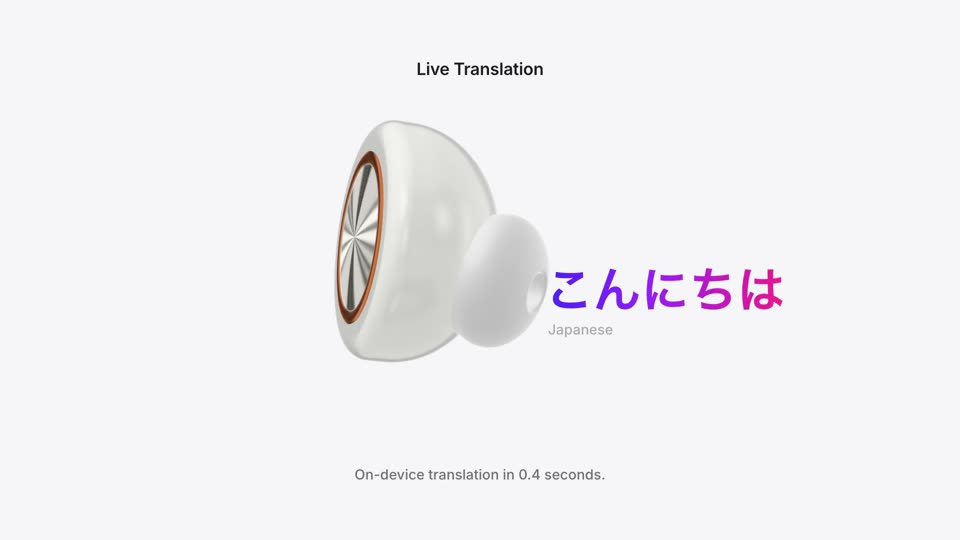
Device Push-in FocusProduct reveal
A wireframe or light-drawn outline appears first, then fills into a solid shape or material.
The shape comes before the material, so the first thing viewers remember is the silhouette. The light stays the only light source, and when the solid appears its highlight sits where the light comes from. The wireframe stage has very low opacity, so it does not compete with the solid that follows.
cubic-bezier(0.65,0,0.35,1) (power2.inOut: slow, then fast, then slow); body and highlight fade in on the same curve; light point and outline fade sine.inOut; push power2.in; the fill wipe uses power2.inOutrgb(214,235,255)), ACES tone mapping at exposure 1.2, bloom, 0.016 grain; the logo version uses a white background with a gray wireframe (#b4b4b6, 1.5px), a black solid (#0b0b0c) wiping in from left to right, and construction lines at 10% opacityBuild a product opening called Outline to Solid. Pure black background, 18° fov fixed camera. A point of light fades in at the top center over 0.45–1.0 seconds, then from 1.0s two heads extend symmetrically to both sides, tracing the full outline of your product down to the bottom center, with line width about 1.5px and bloom plus a halo on the heads. The outline draw uses power2.inOut (cubic-bezier(0.65,0,0.35,1)) and takes 3 seconds. When the outline is nearly closed (3.3s), the solid product fades in inside it over 1.5 seconds, and the wide highlight, a separate light pass from above, reaches full brightness 0.5 seconds after the body (3.8–5.3s). The outline fades to 14% over 4.6–5.7s and a small LED comes on at 5.5–6.1s. Then hold still until 6.3s and push in slowly by 5% (power2.in) until 8.2s. For a logo (a 2.8-second cut on white): fade in a gray wireframe and 10%-opacity construction lines over 0.4 seconds, then wipe in a black solid from left to right over 0.6 seconds with power2.inOut, fade the wireframe and construction lines out, and scale the lockup 1.00→1.03 across the cut.