Device Push-in FocusProduct reveal
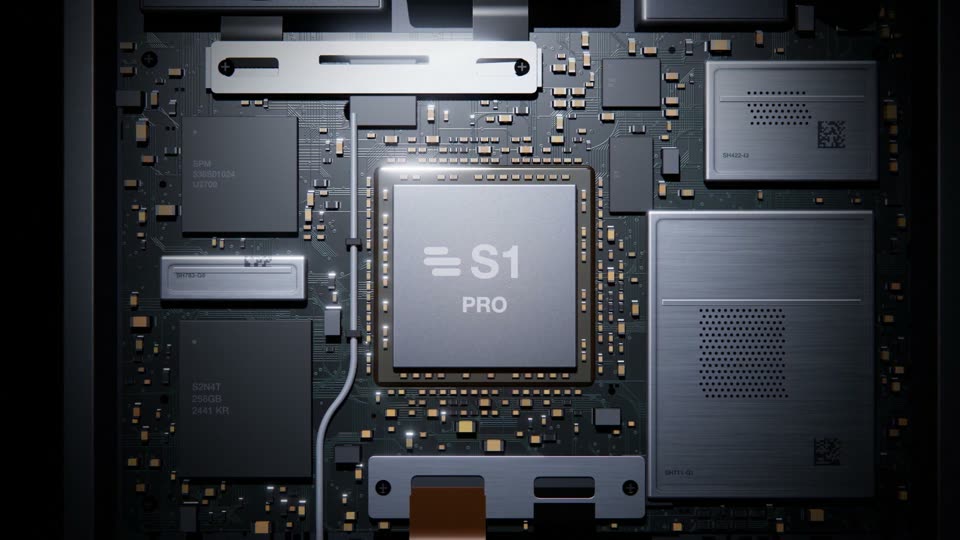
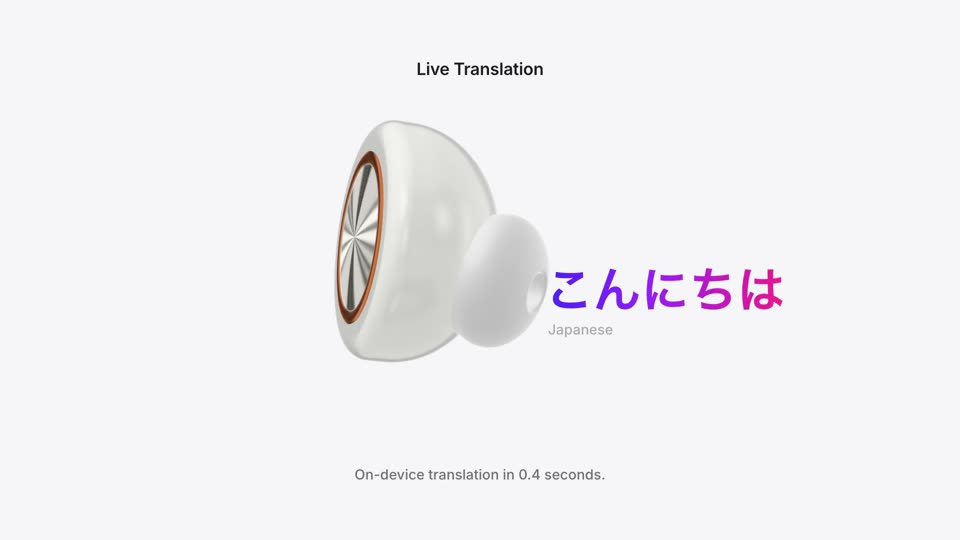
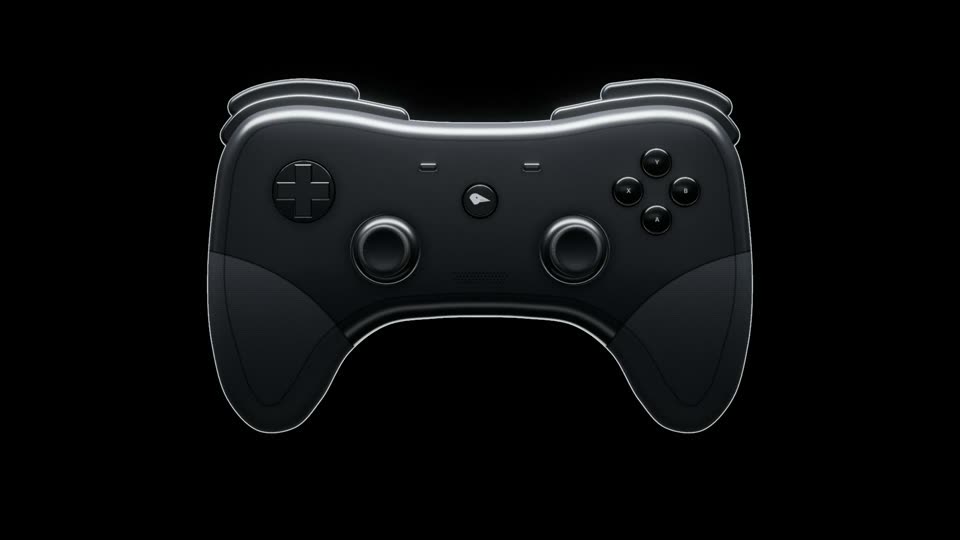
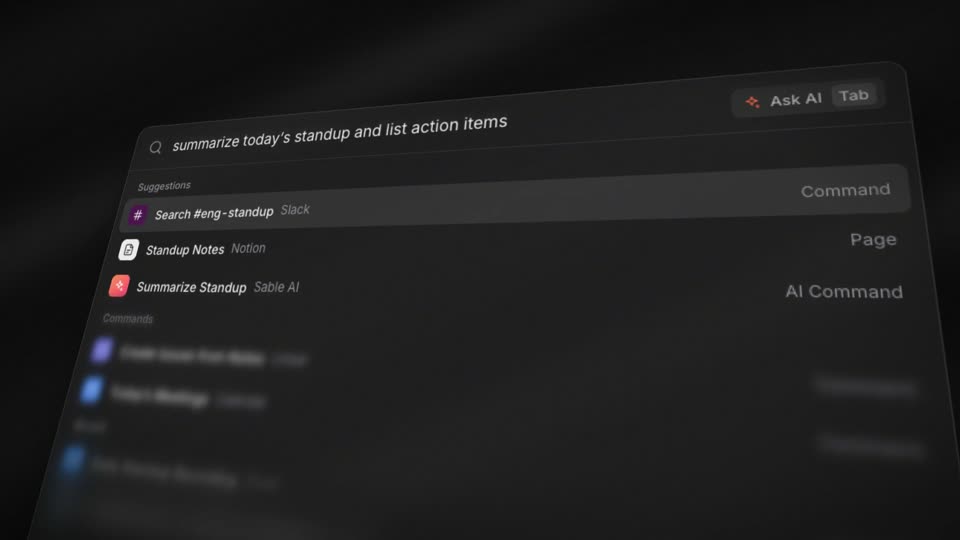
The camera drifts slowly across a surface at extreme close range, then one pull-back reveals the whole device or page.
Viewers first learn the material and texture up close, then see where those details sit in the whole as the camera pulls out. The depth of field is very shallow with only one band in focus, so a flat UI reads like a physical object. The pull-out is fast at first and slow at the end, which lands steadily on the full device.
linear; pull-out cubic-bezier(0.16,1,0.3,1) (expo.out); residual drift linear; the focus band re-centers after each cut with power2.out over 0.5s; wordmark opacity power2.out 0.5s, scale 1.06→1 and blur 10px→0 expo.out 0.8sperspective 2000px, window tilted rotateX 25–26° and rotateZ −3° to −4°. Macro scale 4.2x, 4.2x, 4.0x; pans of 75, 80 and 60 window px (315, 336, 240 screen px), about 8–11% of frame width per second. Pull-out scale 4.0x→1x, rotateX 25°→11°, ending with the window at 80% of frame width. Residual drift scale 1.00→1.03, rotateX 11°→9.5°, rotateY −1°→−4°#050506, raking light from the upper left (radial gradient rgba(150,170,210,0.13) from the top-left corner plus a 118° sheen), shallow depth of field from four stacked copies at blur 0, 2.6, 6 and 11px under a tilted focus band (half-width 100–125px), grain at 7.5% opacity re-rolled every 3 frames, vignette to 62% blackBuild a product shot called Macro Pull-out Reveal. Total length 10.5 seconds. Rebuild a dashboard window (1536×880) in DOM/SVG and tilt it in CSS 3D (perspective 2000px, rotateX 25°, rotateZ −3° to −4°) on a near-black #050506 background with a raking light from the upper left. For the first 4.8 seconds the camera makes three linear macro shots at scale 4.0–4.2x, panning about 8–11% of frame width per second: a chart curve (0–1.7s), a table row (1.7–3.3s) and the primary button (3.3–4.8s). Depth of field is very shallow: stack four copies of the scene at blur 0, 2.6, 6 and 11px, masked by a tilted focus band about 200–250px wide across the middle of the frame that re-centers with power2.out 0.5s after each cut; overlay a pixel grid and grain. From 4.8 to 6.0 seconds pull back with expo.out (cubic-bezier(0.16,1,0.3,1)), scale 4.0x to 1x, relaxing the tilt to rotateX 11° and widening the focus band to 560px, until the window fills about 80% of the frame. Then drift linearly for 2.4 seconds (scale 1.00→1.03). At 7.9–8.75 seconds rack the focus out of the window and bring in the wordmark (scale 1.06→1 and blur 10px→0 with expo.out over 0.8s), holding to 10.5 seconds. The subject does not move; only the camera does.