Dispense Line-upFeatures
The camera pushes to the target element in 0.4–0.8s, holds for one click or input, then pulls back to the full view.
Each push-in serves exactly one action and pulls back as soon as the action is done, so viewers always know where they are on the full page. The ease is fast at first and slow at the end, so the camera lands crisply.
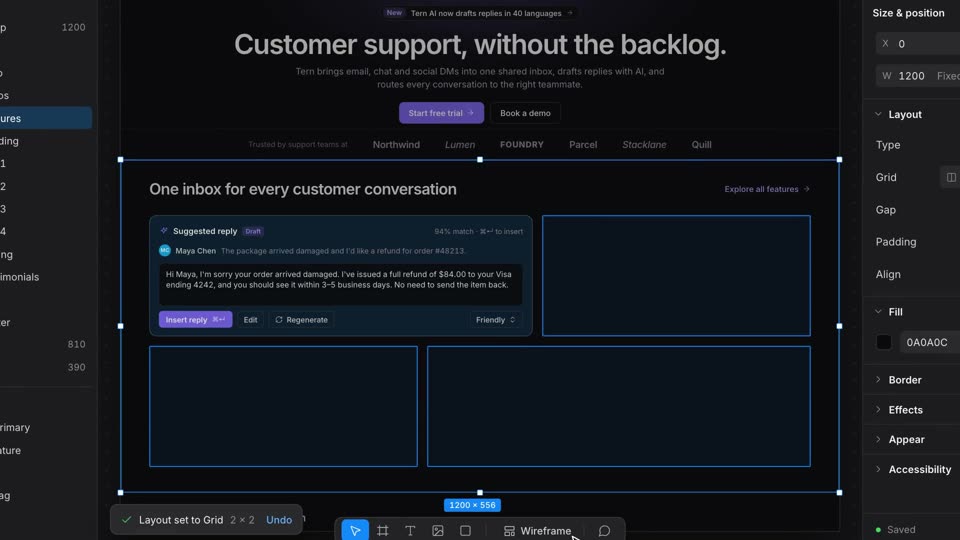
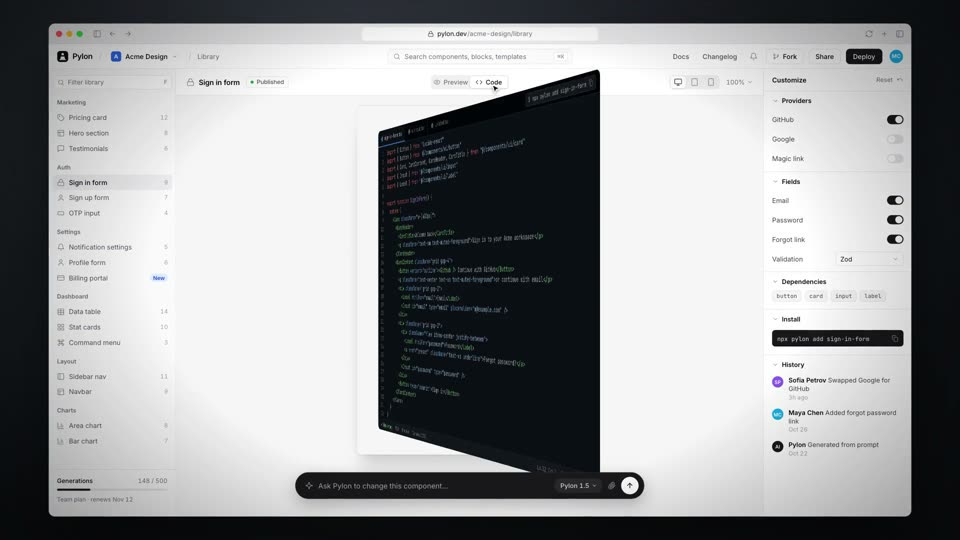
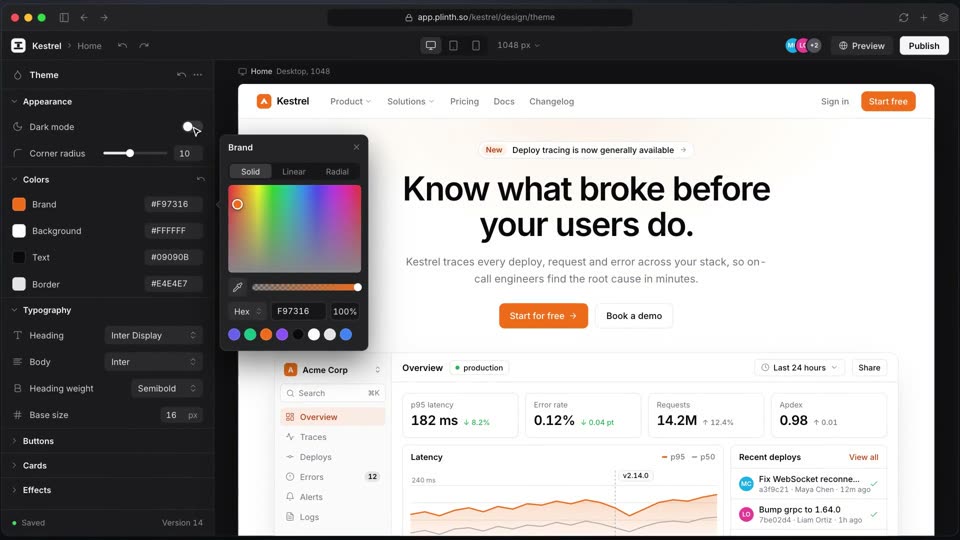
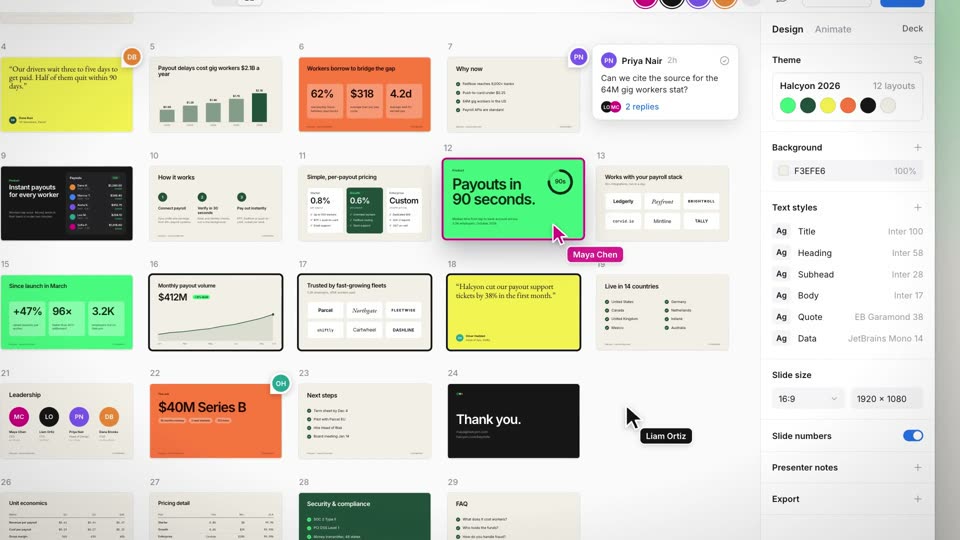
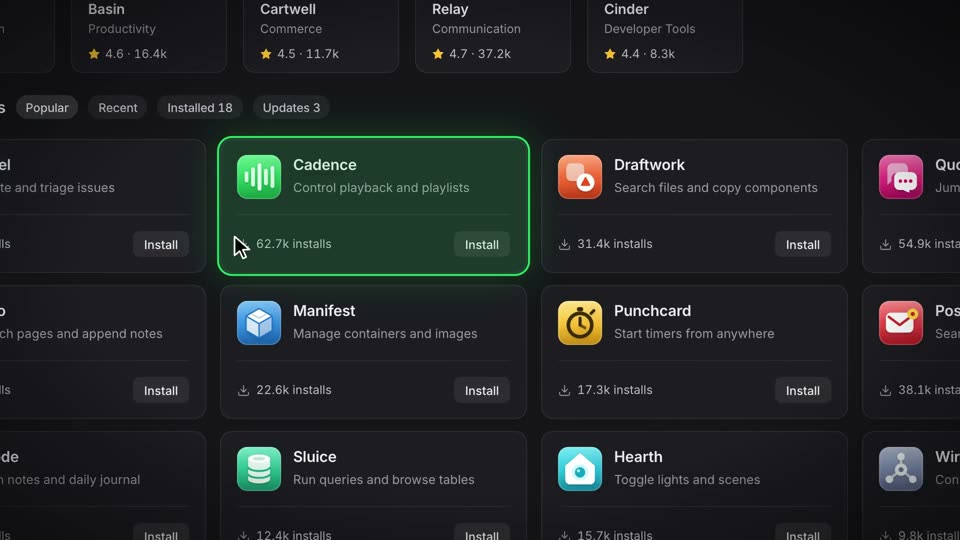
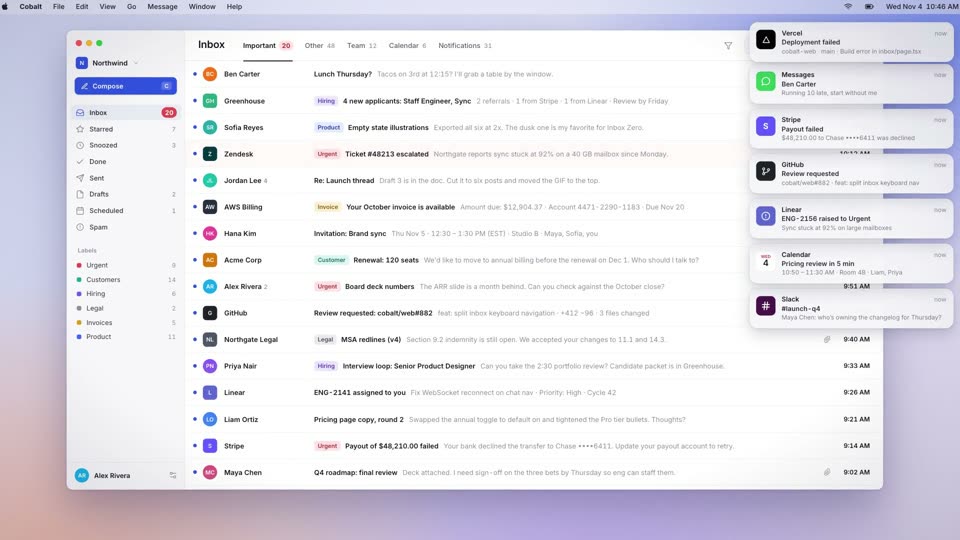
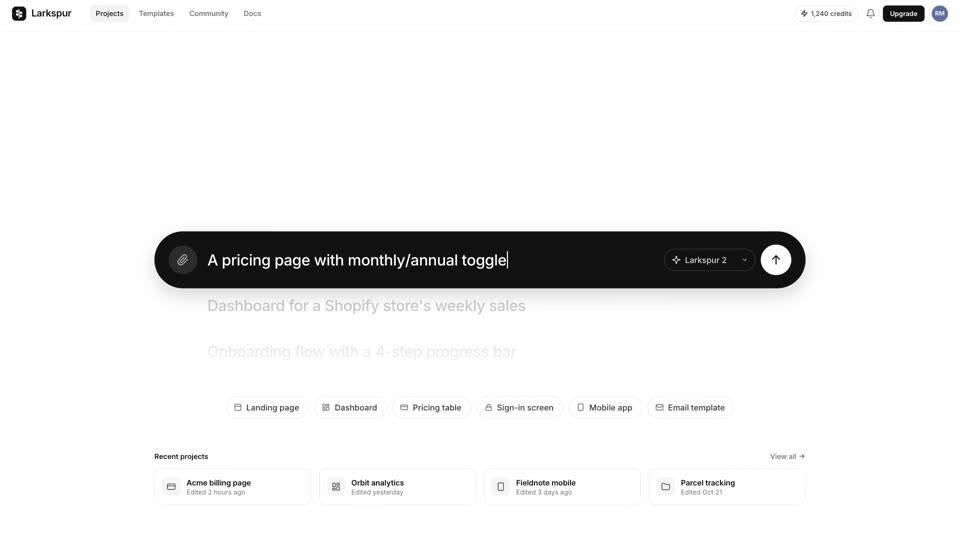
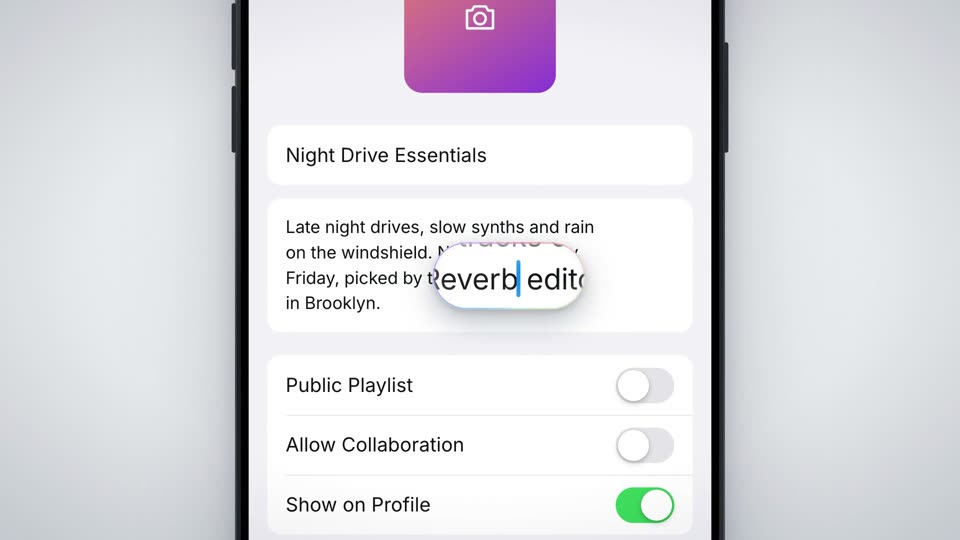
cubic-bezier(0.16,1,0.3,1) (expo.out); cursor moves power2.inOut; press 0.08s power2.out, release 0.22s back.out; motion-blur filter ramps up with power1.out and fades with power1.inscale 2x on both pushes, with the target element translated to frame center (960, 540) and transform-origin at the container's top-left corner; blur 3px on each push and 2px on each pull (0.12s up, 0.3s down); a slow whole-scene drift scale 1.00→1.035 over 9.2srgba(139,92,246,1), mark #3b5bfd; the motion blur is a CSS blur on the camera layer; closing lockup with a 3% push over 1.5sShow two actions in your interface with a shot called Auto Zoom / Zoom-to-Cursor, 11 seconds long. Put the whole window in a container and rebuild the UI in DOM so it stays sharp when magnified. Push the camera to the first target over 0.6s with cubic-bezier(0.16,1,0.3,1), scale 2x, translating the target to frame center with transform-origin at the container's top-left, and add a slight CSS blur (3px) that ramps up in 0.12s and fades over 0.3s. Only after the push completes (0.1s later) does the cursor move: grab a calendar card at 2.4s and drag it to the next day over 0.6s; on the drop frame (3.2s) the card, side panel, menu-bar text and a toast all change together. Hold, then pull back to the full view over 0.7s with the same easing (blur 2px). Repeat for the second action: push at 5.0s, click an empty slot at 6.25s with a ripple, a draft card opens, type a title from 6.45s, press Enter at 7.65s so the panel swaps and a toast shows on the same frame, and pull back at 8.35s. Keep a slow 3.5% drift on the whole scene (scale 1.00→1.035 over 9.2s). At 9.25s fade the window out and bring in the wordmark lockup over 0.6s (expo.out).