Dispense Line-upFeatures
The frame a control (color picker, toggle, dial) lands, the page result changes on that same frame. It can be split-screen with the control on the left and the result on the right.
Control state and page result are strictly on the same frame, so cause and effect need no narration. In split-screen the left is a dark control and the right is light content, so control and content are separated by brightness.
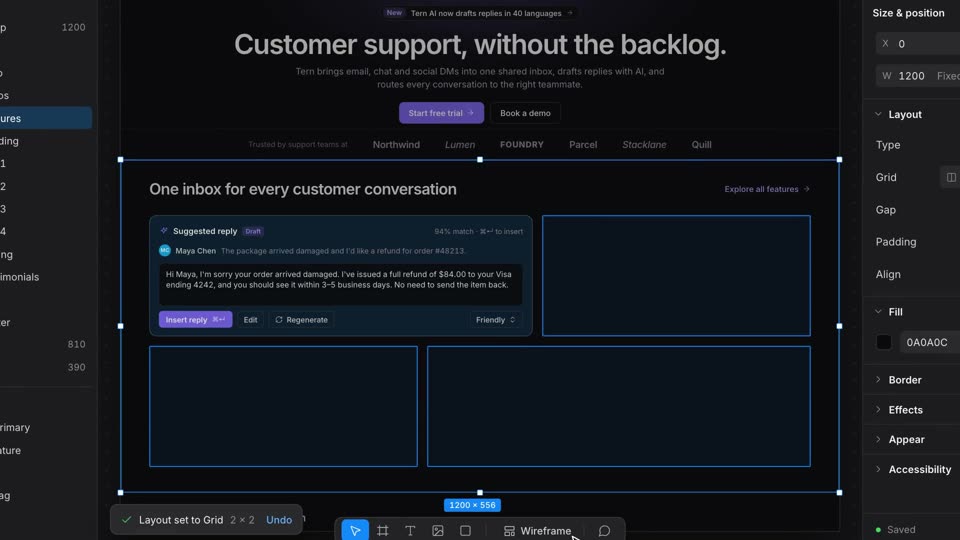
cubic-bezier(0.65,0,0.35,1) (power3.inOut), with dot and cursor sampled per frame from the same curve; free cursor moves expo.out in x and power2.out in y; press scale 0.86 over 0.06s, release back.out(2) 0.18s; dot grab scale 1.18; page changes are hard sets on the landing frameexpo.out to the whole window at 1.3x, then pushes slowly 1.3→1.36x linear until 8.6s#6366f1 to emerald #10b981, orange #f97316, and violet #8b5cf6; the cursor drifts 5–6px off the dot's path mid-drag; a Dark mode switch flips the whole page theme at 5.17s--brand, --brand-t and --soft are set on the root, so the hex field and the entire page change color together with no transition; the theme variables swap on the frame the knob arrives; one timeline drives control and page#ffffff with #09090b text) switching to dark (#09090b with #fafafa text); the page takes the dot's color as its accentShow your feature with a shot called Control-Driven Change. Open on a 2.6x close-up of an inspector with a Brand color popover (a 200×132px color field holding one draggable dot), then pull out over 0.9s with expo.out to the whole editor window at 1.3x, and keep pushing slowly to 1.36x. The cursor grabs the dot (scale 1.18) and drags it through indigo, emerald, orange and violet in drags of 0.4 to 0.5s with power3.inOut; dot and cursor follow one sampled curve and the cursor drifts 5 to 6px off the path mid-drag. On the frame the dot lands, hard-set the CSS variables --brand, --brand-t and --soft on the root, so the hex field and the whole page change color together with no transition. Between drags the cursor clicks a Dark mode switch: the knob slides over 5 frames and the whole page swaps to the dark theme on the arrival frame. At 8.6s the window shrinks away over 0.7s and your wordmark lands.