Dispense Line-upFeatures
A highlight block or focus frame hops one cell at a time with the cursor, and the frame can take the color of the icon inside it.
The highlight block is the strongest color in the frame and leads the eye cell by cell. The focus frame takes its color from what is inside, so the selection state and the content share one palette. The one-cell-per-stop rhythm turns each pause into a choice.
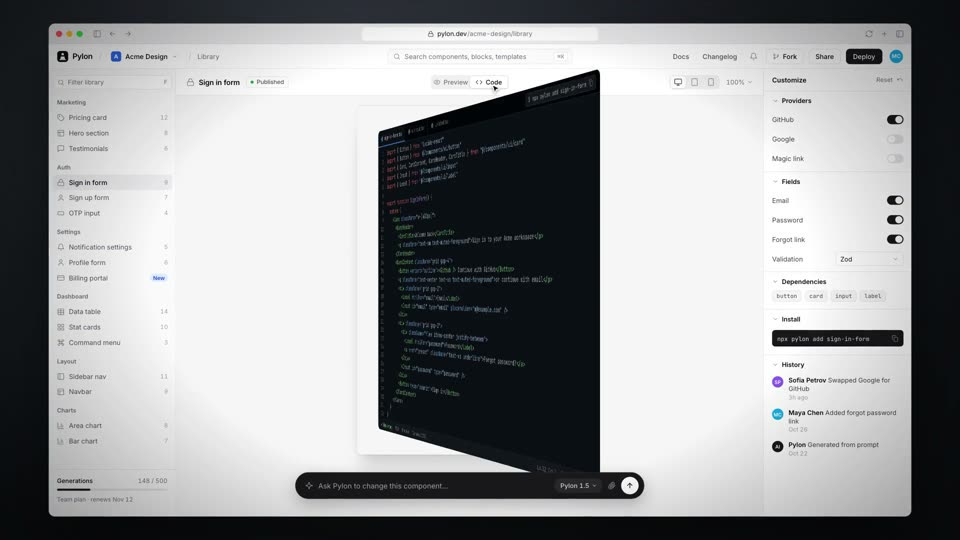
tl.set); shelf slide expo.out 0.25s with the frame color tweening power1.inOut; camera moves expo.out 0.8s; cursor moves power2.inOut 0.14–0.2s; click ripple 0.45s, frame scale 0.975 then back.out(2.4)linear over 2.6s); drops to 2.0x on the grid, follows the cursor row horizontally at 40% of the cell offset, and sinks about 300px over 2.6s; pulls back to the full window at 8.09srgba(r,g,b,0.15), plus a 0 0 36px glow on the grid) take the main color of the icon inside it, tweening through the shelf slide and jumping with each grid hop; the cursor crosses a cell boundary at the midpoint of its move#08080a stage, #121215 sidebar, gradient app icons; focus frame color follows the icon, 15px corner radius; end card with a four-tile mark and a 76px wordmarkShow a selection process with a shot called Focus Hop. Open a dark app-store window and push into a horizontal shelf of app cards at 2.1x (expo.out, 0.8s), drifting to 2.2x. A focus frame (2px outline, 15% fill) stays fixed on the third slot and takes the main color of the icon inside it; every 0.5s the cards slide left one slot over 0.25s with expo.out while the frame color tweens to the next icon, five times. Then drop the camera to a 2.0x grid of extension cells, where a highlight hard-hops cell to cell along a snake path with no transition, dwelling 0.22 to 0.34s per cell and taking each icon's color, while the cursor follows with small offsets and the camera follows the row and sinks about 300px. Click the last cell's Install chip: the chip flips to Installed on the click frame, the frame squishes to 0.975 and settles with back.out(2.4). Pull back over 0.8s and close on a four-tile mark where the same frame hops across the tiles.