Dispense Line-upFeatures
The preview card rotates 180° around the Y axis and its back face shows the code.
Preview and code are the front and back of one card, which says they are the same thing. The surrounding interface stays completely still during the flip, so the motion happens on one element only.
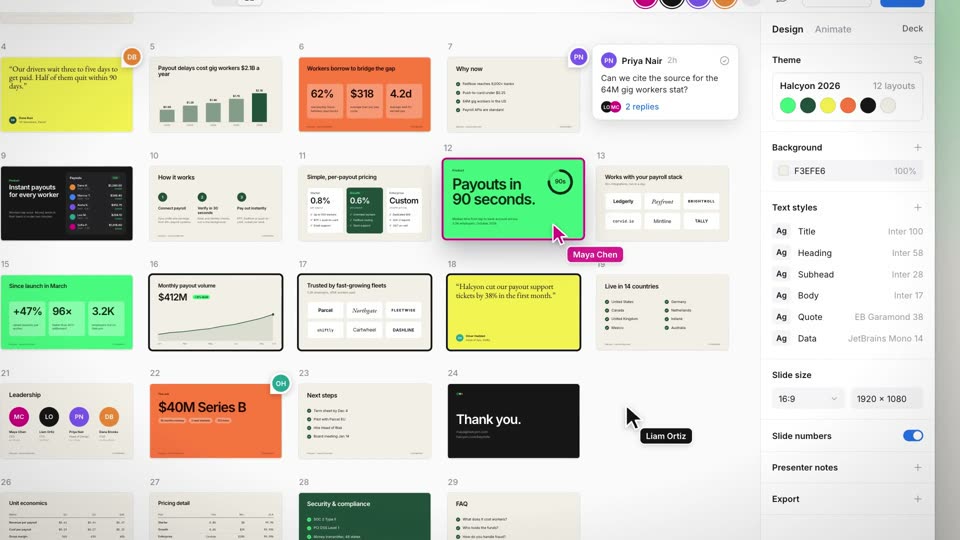
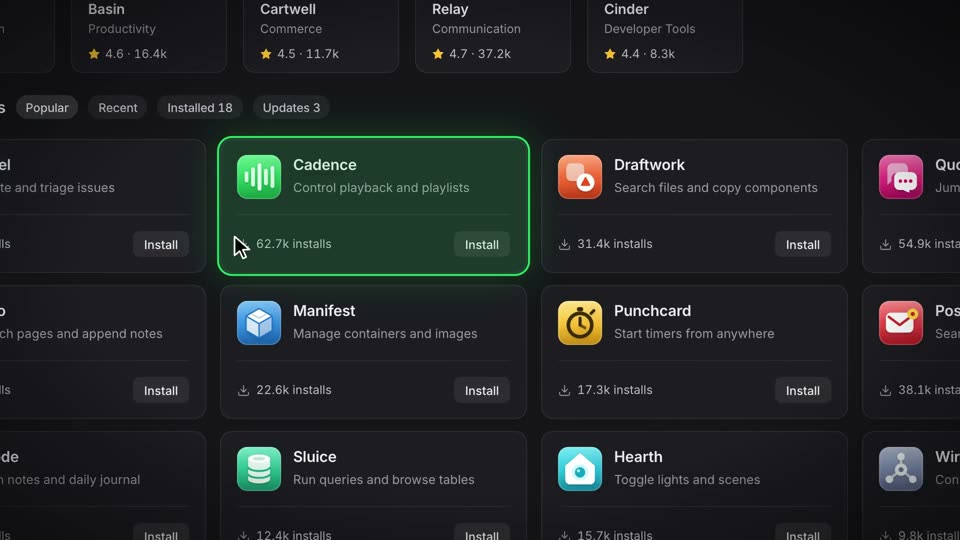
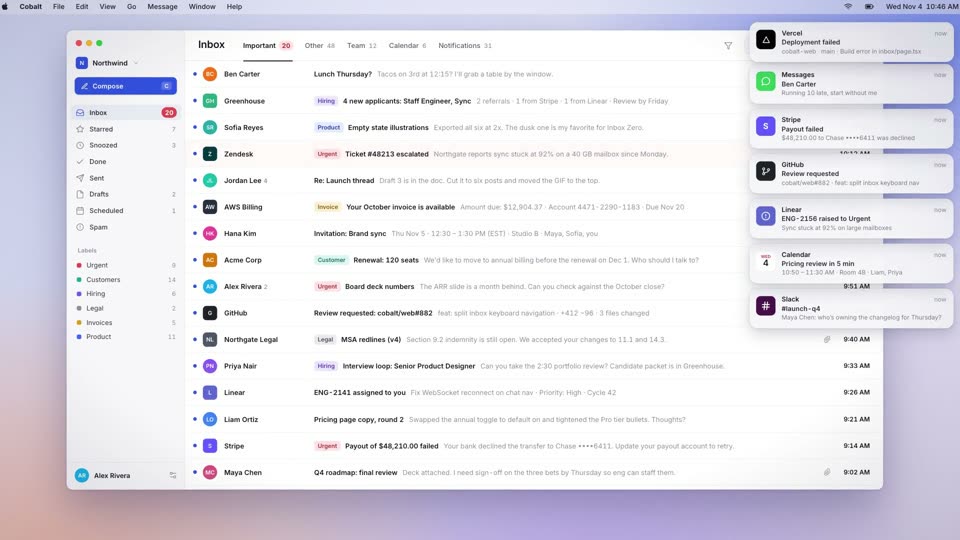
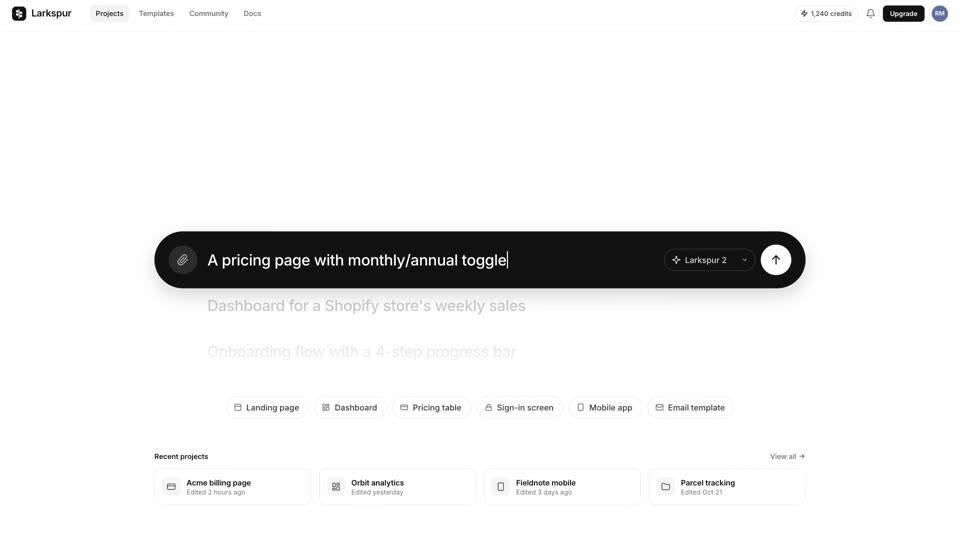
cubic-bezier(0.65,0,0.35,1) (power3.inOut) curve for each 180°; Preview/Code pill slides 0.2s expo.out; cursor press scale 0.86 over 0.06s, release 0.18s back.out(2)scale 1→1.05 over 9.4s linear; 3D stage perspective 2400px, perspective-origin 820px 500px; edge-on the card shadow narrows to scaleX 0.04rotateY 0→180° about its center; the second turn continues 180→360° in the same direction; the back face is rotateY(180deg), a dark code editor (#0d1117) with file tabs, an install command, and line-numbered TSX; the front is white with a dot gridBuild a preview-and-code switch called Card Flip to Code. Put a 940×680px component card in a light app window with perspective 2400px (origin 820px 500px). Clicking a Preview/Code segmented control (the pill slides over 0.2s with expo.out) starts a 0.8s rotateY from 0 to 180° about the card center with power3.inOut. The back face is rotateY(180deg), a dark code editor, and both faces use backface-visibility: hidden. The card shadow width (down to scaleX 0.04) and a black shading overlay (up to opacity 0.2) follow the same eased angle every frame. Hold about 1s, click back, and keep rotating from 180 to 360° in the same direction. Repeat for three components, swapping card, title, panel and sidebar row on a single frame between them, and leave the last one on code. Window chrome stays still, the camera pushes scale 1 to 1.05 over 9.4s, and at 9.4s the window leaves and your wordmark lands.