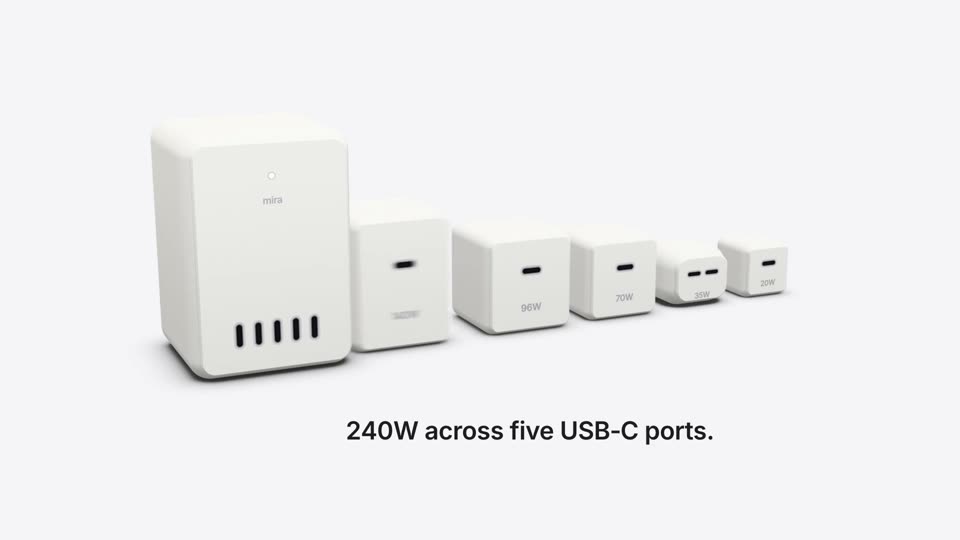
Original · Framer · 0:19–0:26YouTube ↗
Motionboard recreation

Wireframe Re-layout

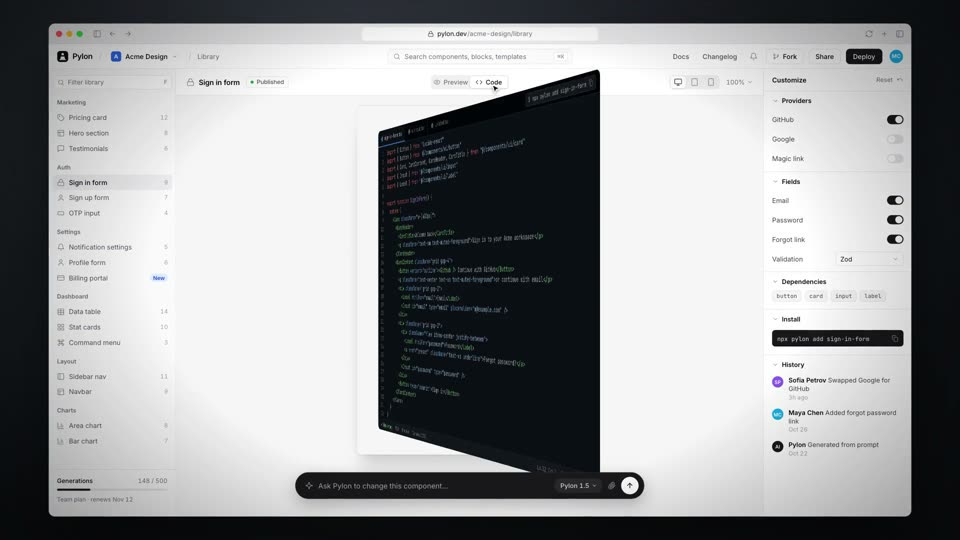
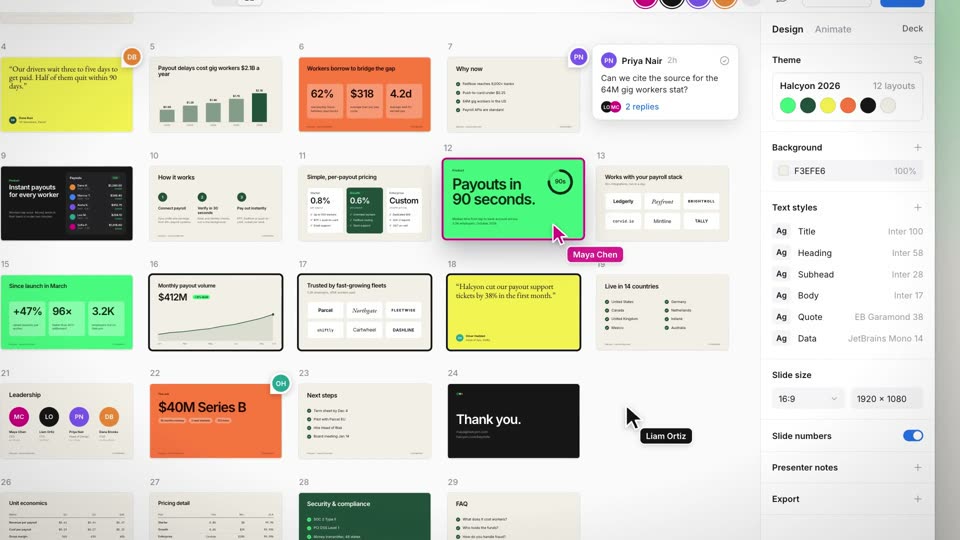
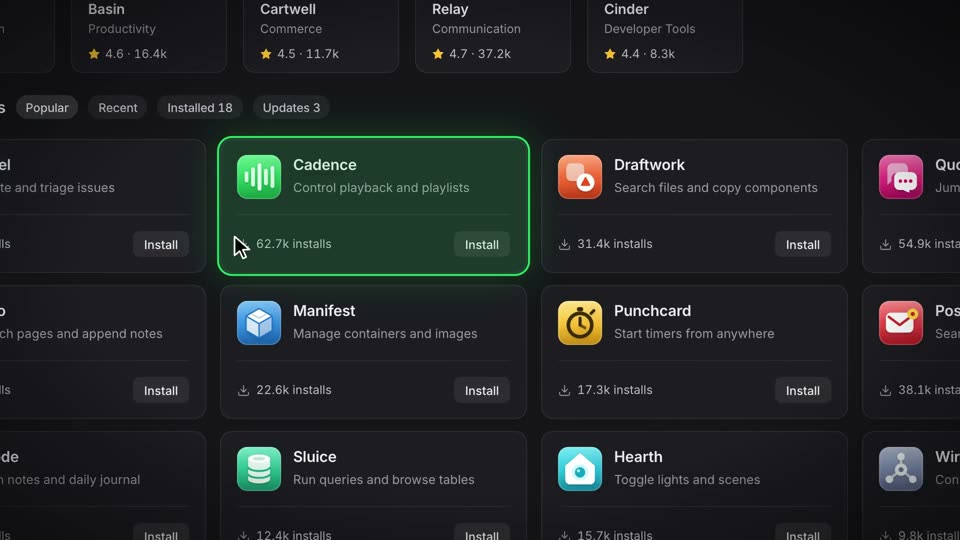
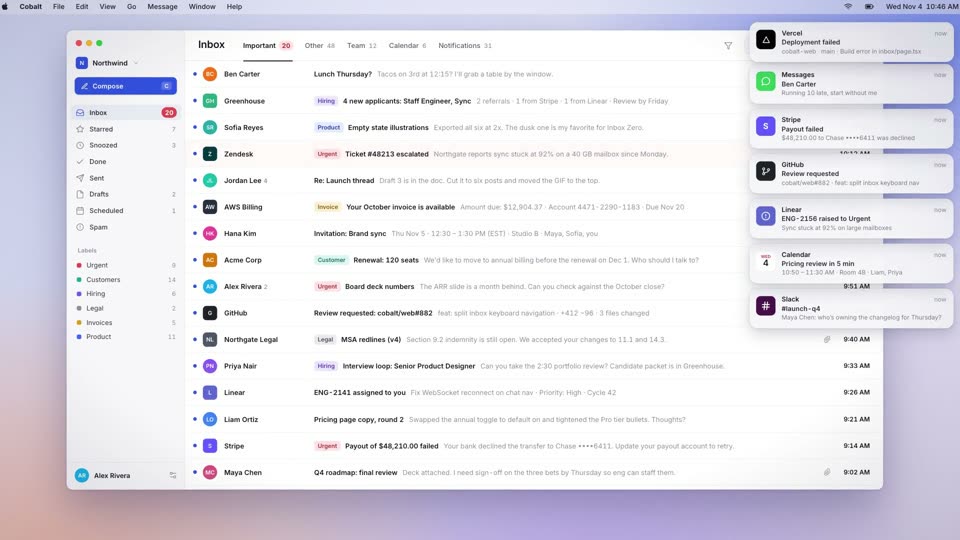
Content fades to wireframes, the wireframes re-flow into a new layout, then each cell fills with new content in turn.

Full recipe

Why it works

The wireframe state separates layout from content, so viewers see the structure itself changing. The morph stage has only 1px blue lines on black, with no color to distract.

Spec

Timing
Film 10.5s. Wireframe mode 1.6–2.1s (0.5s, 15 frames); layout click 3.3–3.44s; re-layout 3.4–4.2s (0.8s, 24 frames); wireframe off clicked 4.84–4.98s; cells fill in turn from 4.9s (0.35s each, 0.15s apart, finished 5.7s); pull-back 5.8–6.6s (0.8s, 24 frames); Publish click 7.0s, enlarged button 7.08–8.1s, Published 8.3s
Easing
Re-layout cubic-bezier(0.65,0,0.35,1) (power3.inOut), with size and position interpolated together; wireframe fade power2.out; fill-in expo.out (cubic-bezier(0.16,1,0.3,1)); push-in and pull-back expo.out
Camera
Wide at scale 1.26→1.30 (linear, 0–3.4s); push-in to 1.6 on the content block over 3.4–4.5s (1.1s expo.out), slow drift to 1.65 until 5.8s; pull-back to 1.3 over 5.8–6.6s (0.8s) to the editor overview, then drift 1.30→1.34 until 10.5s
Subject
Two sections side by side (544×420 each, an inbox list and feature copy) fade out their content and keep only a 1.5px blue wireframe with 7% fill; the wireframes split into four and move into a 2×2 bento grid (640×202, 448×202 over 448×202, 640×202, 16px gaps); each cell then fills with new content in turn, starting at the top left
Sync
The click on Grid at 3.4s starts the control, the layer rows and all four frames moving on the same frame; content stays hidden while the frames move (labels return at 4.25s and spacing guides at 4.3s); the fill starts 0.7s after the layout lands, when the cursor turns Wireframe off
Style
Near-black editor (window #1c1c1e) with 1.5px blue frames rgb(10,132,255); filled cells rgb(16,16,19) with 14px radius holding UI panels (inbox, copy, integrations grid, workflow); closing Publish button in the same blue

Prompt

Show a redesign of your page with a shot called Wireframe Re-layout, a 10.5-second film inside a dark editor window. At 1.6s the cursor clicks a Wireframe toggle: over 0.5s two side-by-side sections (544×420 each) fade out their content and keep only a 1.5px blue wireframe (rgb(10,132,255)) with a 7% fill and a corner radius shrinking from 14px to 2px. At 3.4s, on the frame of the click on Grid, the wireframes split into four and move over 0.8s with cubic-bezier(0.65,0,0.35,1), size and position interpolated together, into a 2×2 bento grid (640×202 and 448×202 over 448×202 and 640×202, 16px gaps), while the camera pushes in over 1.1s with expo.out (scale 1.3 to 1.6). Content stays hidden while the frames move. Then the cursor clicks Wireframe off (4.9s) and the four cells fill with new content in turn from the top left, each over 0.35s with expo.out, staggered 0.15s. At 5.8s pull back over 0.8s with expo.out to the full editor, drift slowly, and end by clicking Publish (7.0s), whose button enlarges to the center of the frame and turns to Published at 8.3s.
People describe it as

  • The content disappears leaving only frames, then the frames rearrange
  • The layout changes, then content fills in cell by cell
  • The page structure changes before your eyes

Often confused with

  • Morph RelayMorph Relay turns one element into another; Wireframe Re-layout strips a group of elements of content and re-flows them together.
  • Pile-up and ClearPile-up and Clear swaps images with a hard cut; Wireframe Re-layout interpolates continuously between wireframes.
Recipe file (.md)

More Features