Locked-Layout ReskinTransitions
Motionboard shot: Foreground Wipe & Flash
A defocused foreground object sweeps across and covers the frame to cut scenes, or a central glow blows out to white before the next scene.
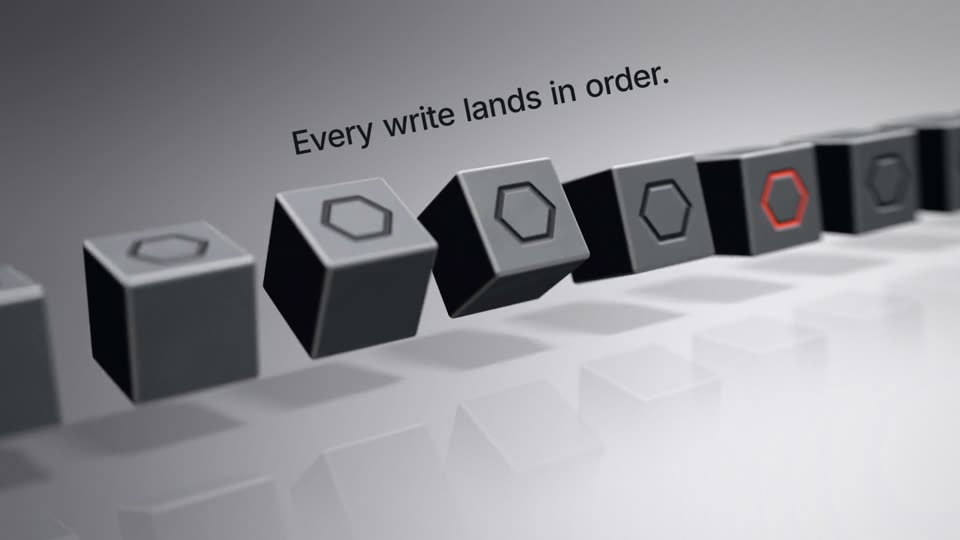
For the wipe, hold a matte black ball (2800 px, scale 0.42 to 0.45, 54 px blur) at the lower left. It sweeps to frame center at scale 1 with expo.out over 7 frames (0.233 s), then leaves right at 1.08 with power2.in over 8 frames. Swap scenes on the frame where the ball is centered, at 2.6 s and 7.4 s.
For the flash, scale a 5200 px radial halo (white core to 42%) from 0.05 to 1.5 with ease none over 8 frames, ending at 5.1 s in a full white plate. Swap the scene on the full white frame and fade the white out with power3.out over 9 frames. Scene camera moves use ease none, for example content x 70 to -60 and scale 1.26 to 1.36 in 1700 px perspective.
Press the copy button on the recipe page and paste it into Claude Code or Codex, or run npx skills add krisyangdev/motionboard. The agent renders an MP4 with HyperFrames, or ports the GSAP timeline to your site with your own scenes.
npx skills add krisyangdev/motionboardThe transition object comes straight from the current scene (a ball, a halo), so viewers see the transition as part of the camera movement. The whole film uses only these two transitions and very few hard cuts, which keeps continuity in a monochrome style; the switch point lands on a fully covered frame.
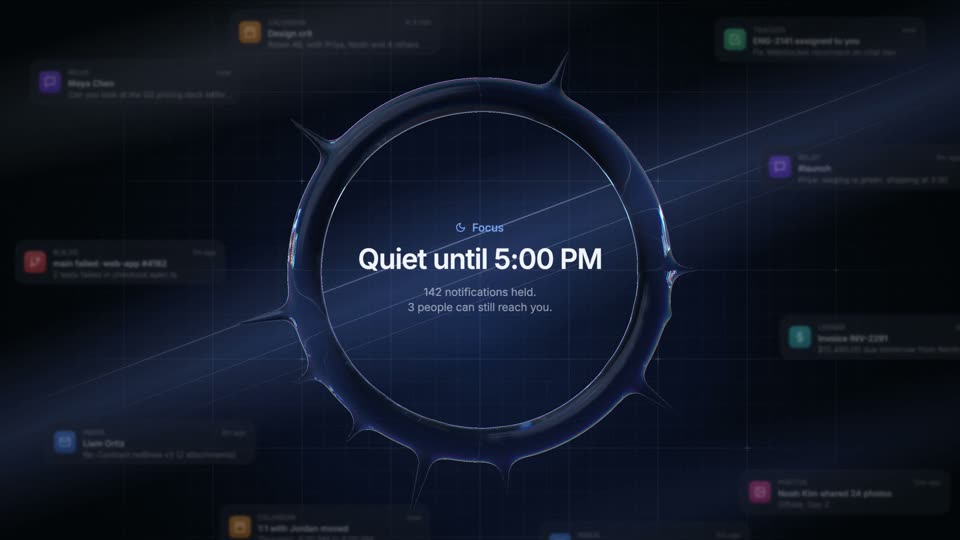
expo.out over 7 frames (0.233s) and exits right with power2.in over 8 frames (0.267s); flash halo rises with ease: "none" over 8 frames and falls with power3.out (cubic-bezier(0.33,1,0.68,1)) over 9 frames; scene camera moves are ease: "none"#d7d7d9 to #bdbdc0, soft highlight at 68% 36%, 26% edge vignette); dark scenes: radial #131315 to #060607; ball matte black #09090a shading to #5b5b61 highlight; flash pure white. Wordmark Inter 600 190px, letter-spacing -0.045em, #f4f4f5Build transitions between scenes called Foreground Wipe & Flash, 11s: a light gray studio scene (0-2.6s), a dark scene with a large number counting 412 to 38 (2.6-5.1s), a second light studio scene (5.1-7.4s) and a wordmark scene (7.4-11s). Each light scene already contains a large matte black ball (2800px, blur 54px, soft top-left highlight) waiting at the lower left at scale 0.42-0.45 and drifting slowly while the camera moves right with a 3D tilt. At 2.4s the ball sweeps to the frame center at scale 1 with expo.out in 7 frames and exits right to x 3700 at scale 1.08 with power2.in in 8 frames; swap the scene on frame 78 (2.6s) when the ball fills the frame, and the next scene is already in frame as the ball leaves. Between the dark scene and the second light scene use a flash instead: release a 5200px radial white halo from the frame center, scaling 0.05 to 1.5 linearly over 8 frames, set full white one frame before the swap at 5.1s, then fade the white plate over 9 frames with power3.out. Repeat the wipe at 7.2s with the swap on frame 222 (7.4s), then open the wordmark scene with a white seed glow that fades as the mark and wordmark slide into place over 1.3s with expo.out. Use only these transitions in the whole film.
A wipe replaces one shot with another by moving a shape across the frame, and here the shape is a foreground object from the scene. A flash brightens the frame to full white, cuts to the next scene and fades the white away.
On a frame that is fully covered. In this recipe the swap lands on frame 78 and frame 222, when the ball is centered, and on frame 153, when the white is full, so the cut is hidden inside the transition object.
Yes. Motionboard is free and MIT licensed, so you can use and modify the recipes and the films they produce in personal and commercial projects. The licence asks only that copies of the recipe files keep the copyright notice.