Match Cut TransitionTransitions
A transition carries the viewer from one scene to the next in a launch film. These eight recipes cover the match cut, morph transition, wipe transition, iris transition and several others. Each is a 10-second 1920x1080 film built in code with HyperFrames and shown next to the original clip, with exact frame timing for every cut, sweep and dissolve.

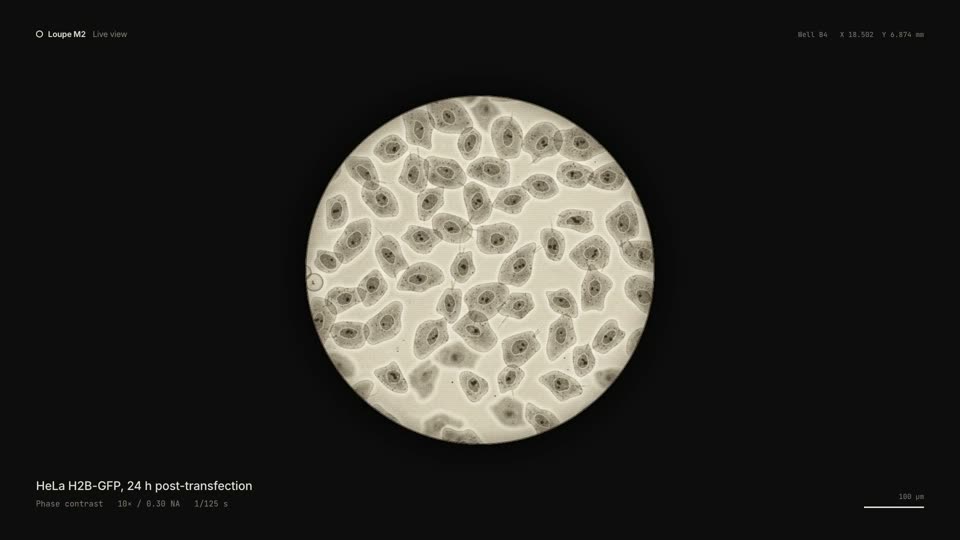

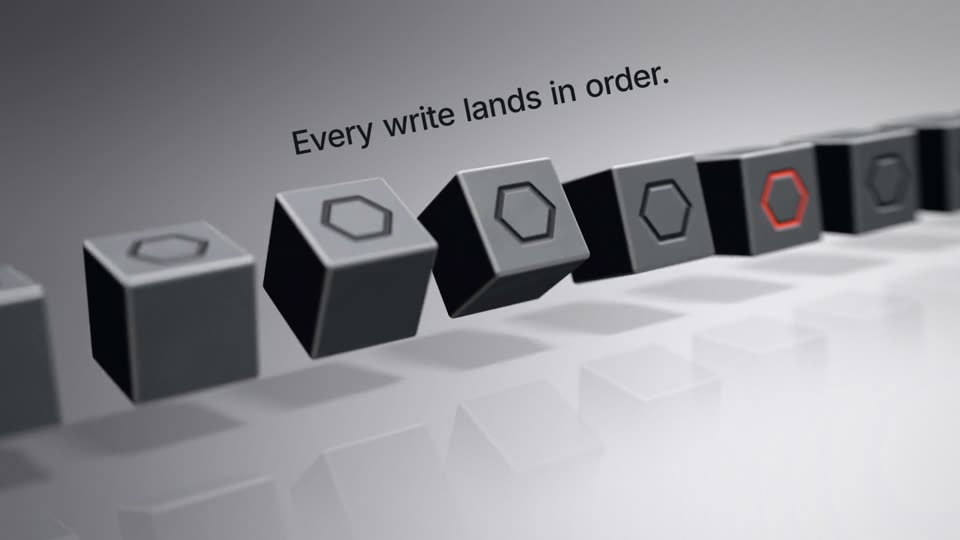

Transitions sit between the scenes of a product demo, where the film moves from one feature to the next. Some are hard cuts that rely on matching position, as in Match Cut Transition, which cuts five times in its first 5.05 s. Others cover the change: the wipe hides the scene swap behind a ball that sweeps the frame, and the flash swaps the scene while the screen is white.
A few recipes have no cut at all. Morph Transition turns one element into the next across the whole film, and X-ray Effect dissolves from the inner structure to the outer shell on one camera position. For motion inside a scene, see UI animation; for the opening and ending shots, see logo animation.
Install the Motionboard skill in Claude Code or Codex. Then paste the copy prompt from a recipe page, or ask the skill for a recipe by name and give it your product, logo and brand colors.
npx skills add krisyangdev/motionboardThe agent recreates the shot for your own product. Copy one recipe, or ask the skill for a whole film built from several. The output is an MP4 rendered with HyperFrames, or GSAP motion that runs on your website. The product launch video guide covers the full workflow.
A match cut replaces one object with another at the same position, shape or movement, so the viewer does not need to move their eyes. In the Match Cut Transition recipe, hard cuts at 2.0, 3.0, 3.75, 4.4 and 5.05 s each swap one element for another at the same anchor point.
Short duration and a clear hand-off. Most transitions in these recipes run between 0.2 and 0.8 s: the wipe sweeps in 0.5 s, the flash fades in 0.3 s, and each morph step takes 0.2 to 0.4 s. The new scene is already in place when the cover clears.
In the Wipe and Flash Transition recipe, the sweep takes 0.5 s: 7 frames to cover the screen and 8 frames to clear it. The scene swaps while the defocused ball covers the whole frame, so the viewer does not see the change.