Dispense Line-upFeatures
Motionboard shot: Morph Relay
One element keeps morphing into the next, replacing cuts, so the whole sequence has no hard cut.
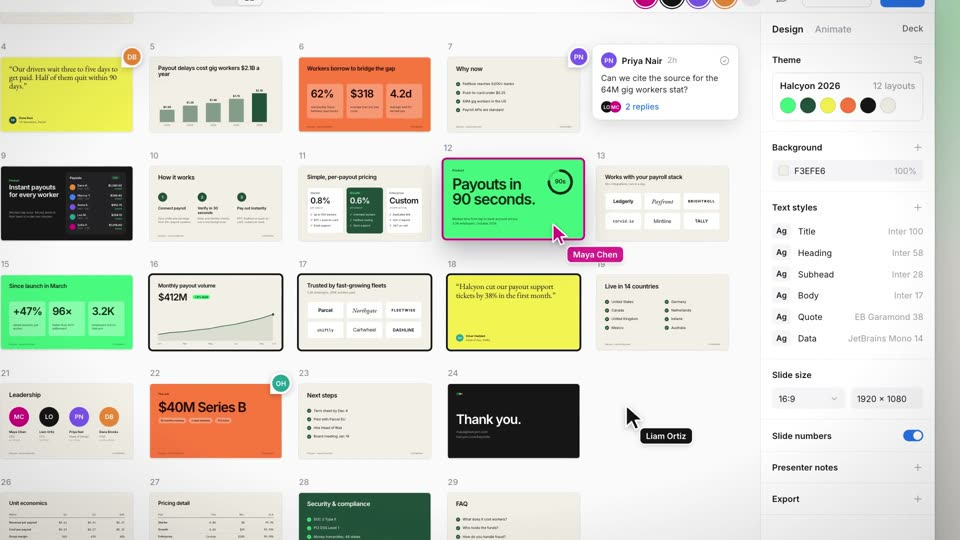
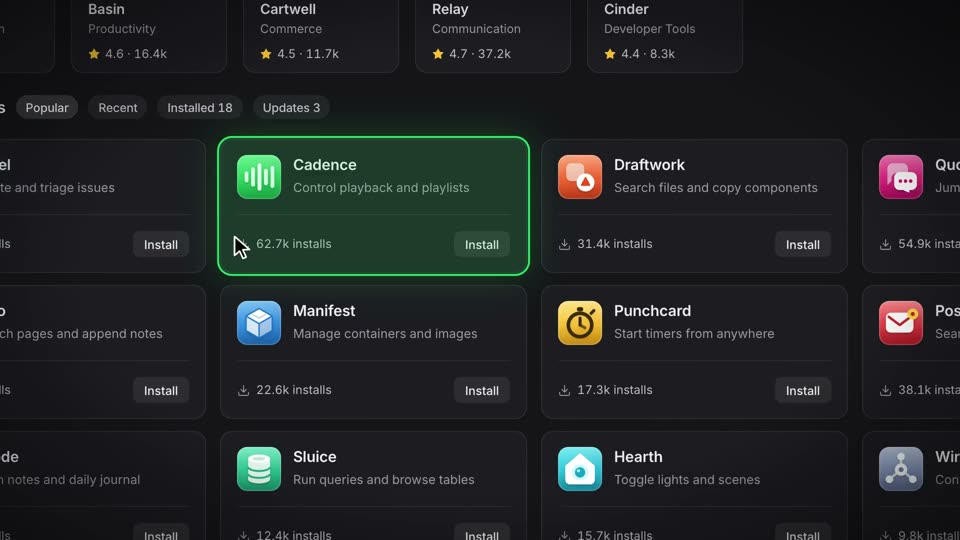
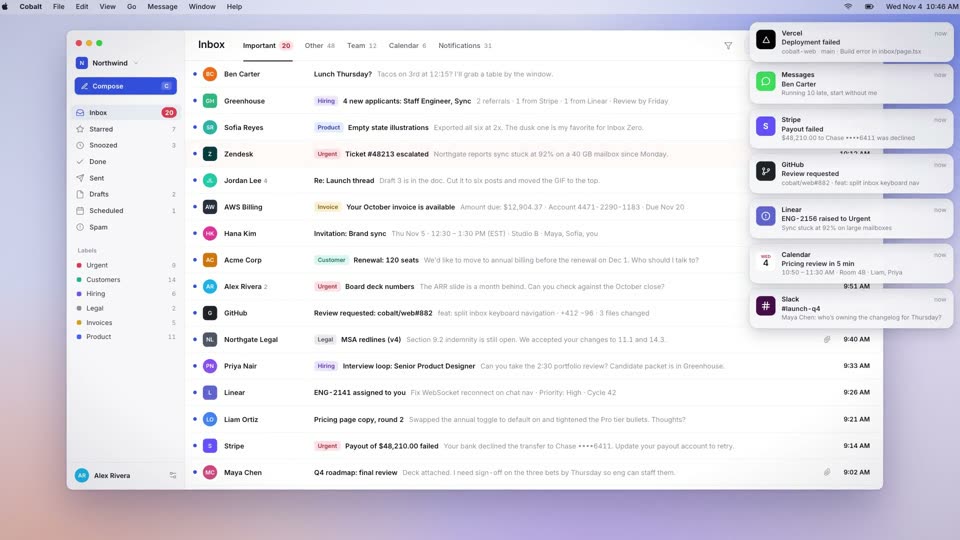
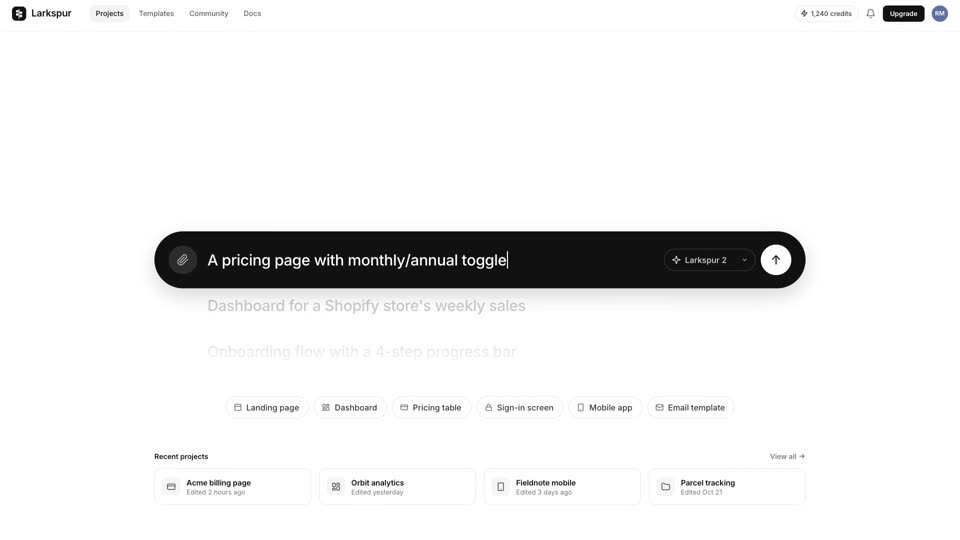
Animate one black shape (#111111) by width, height and corner radius together: a 960×3 line, a 960×96 capsule (radius 48), a 920×88 input box (radius 44), a 1440×820 window (radius 18), then a 0.26-scale gallery card among 11 others. The line, capsule and input steps take 0.2s, 0.3s and 0.4s, and the window growth takes 0.75s on power3.inOut.
Tie each change to a frame. The headline turns white on the frame after the capsule starts thickening (1.33s), the window fill flips to cream within the first 0.3s of its growth, and the gallery stays hidden until the card forms at 7.6s. The window shrinks into a card over 0.8s on expo.out, and the camera stays nearly fixed.
Press the copy button to send this recipe to Claude Code or Codex, or install the skill once with npx skills add krisyangdev/motionboard. The agent builds the shape as one DOM element with the headline, input and gallery around it. Render an MP4 with HyperFrames, or port the GSAP timeline to your website.
npx skills add krisyangdev/motionboardThe element from the previous segment becomes the subject of the next, so there is always only one shape changing in the frame, with empty space around it. Shape, corner radius, and text color inversion happen on the same frame, so the morph reads as one continuous action.
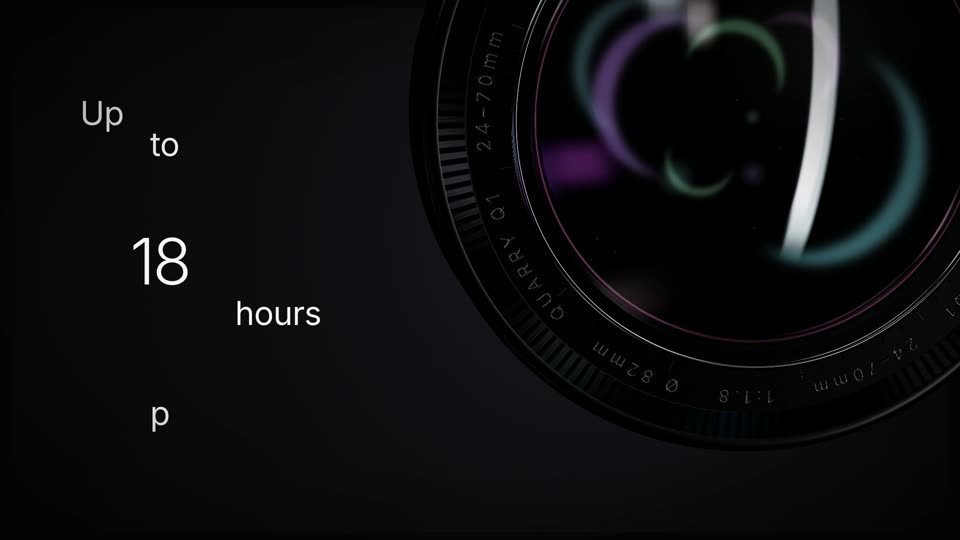
cubic-bezier(0.65,0,0.35,1) (power3.inOut); capsule thickening, page blocks, shrink into the card and the closing pill cubic-bezier(0.16,1,0.3,1) (expo.out); send press back.out(1.7)#111111) changes width, height and corner radius together: 960×3 line, 960×96 capsule (radius 48), 920×88 input box (radius 44), 1440×820 window (radius 18, fill #f6f1e8), then a 0.26-scale gallery card among 11 others; the headline shrinks into the input as the placeholder, the avatar and buttons fade in 0.3s (1.8s), and page blocks rise 24px#ffffff → #e9e9e9) with a black shape; one subject throughout; gallery thumbnails use 11 different site styles; closing wordmark white on a 440×112 black pillBuild a continuous morph with no cuts called Morph Relay, an 11-second film on a near-white soft-lit background. A headline (64px, black) rises in word groups. A black line (960×3px) expands from under it (0.2s, power3.inOut cubic-bezier(0.65,0,0.35,1)). The line thickens into a 96px capsule with expo.out (cubic-bezier(0.16,1,0.3,1)) over 0.3s and the headline inverts to white one frame later. The capsule then narrows into an 88px input box over 0.4s (power3.inOut) while the headline shrinks into the placeholder and an avatar and buttons fade in; type a prompt from 2.4s, press send at 4.2s, then grow the input box into a 1440×820 browser window with an 18px radius over 0.75s (4.55–5.3s) as its fill flips to cream, with page blocks rising 24px (0.5s expo.out each, staggered 0.04–0.06s) from 5.0s. Push in 3% linearly, then shrink the whole window into a gallery card (scale 0.26, 0.8s expo.out) and bring in 11 other cards around it 0.04s apart. Finally the opening line returns, thickens into a black pill and the wordmark appears inside it. Keep the surrounding elements empty so only one shape changes throughout.
A morph transition turns one element into the next by animating its shape, size and color continuously. The next scene arrives as the same object, so the sequence has no hard cut.
Yes. The film animates the width, height and corner radius of one DOM element with GSAP, which also runs on a page. Keep a single subject on screen at a time so the change reads clearly.
Yes. Motionboard is free and MIT licensed, so you can use and modify the recipes and the films they produce in personal and commercial projects. The licence asks only that copies of the recipe files keep the copyright notice.