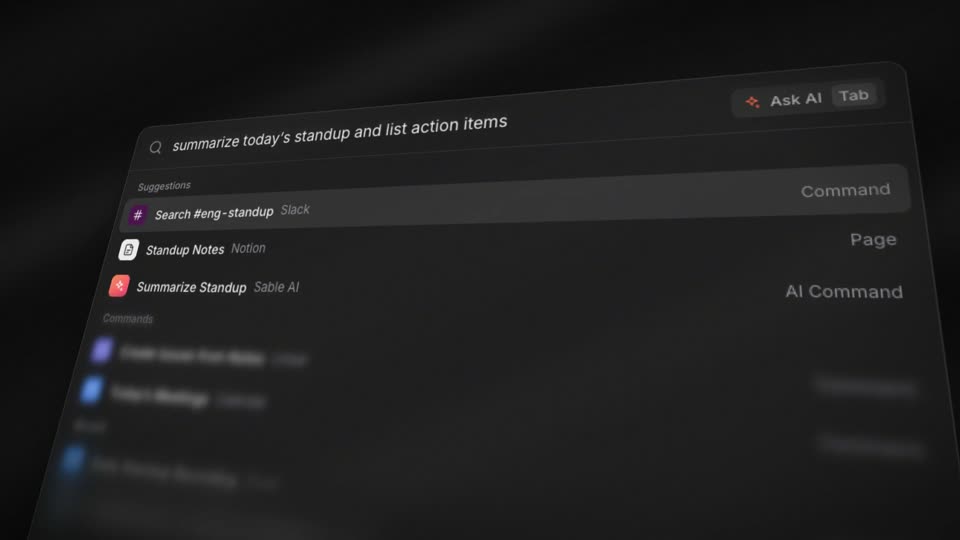
3D Tilted UI with Depth of FieldProduct reveal
UI animation shows an interface working: a cursor clicks, a card flips, a layout rearranges. These ten recipes are motion graphics examples from software launch films. Each is a 10-second 1920x1080 film built in code with HyperFrames and shown next to the original clip, with frame timing for every push, click and state change.
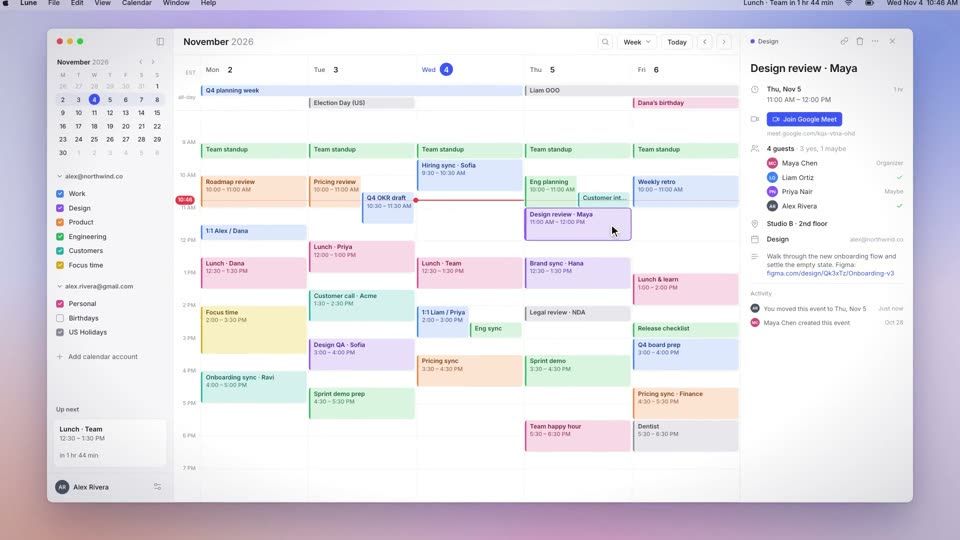
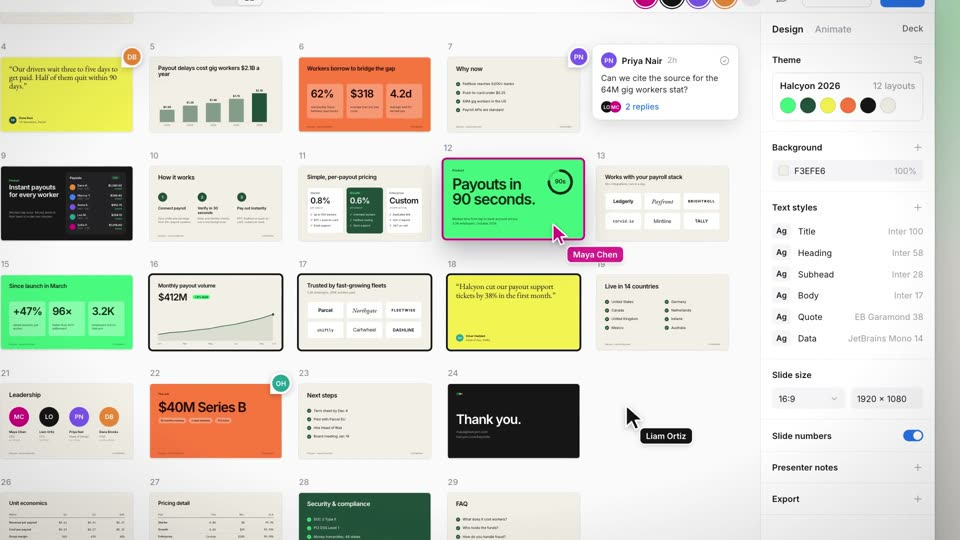
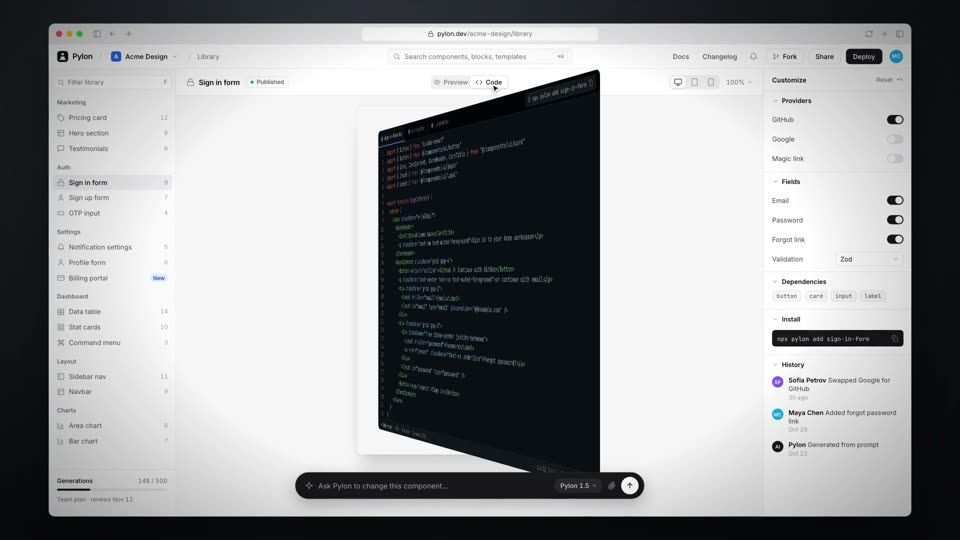
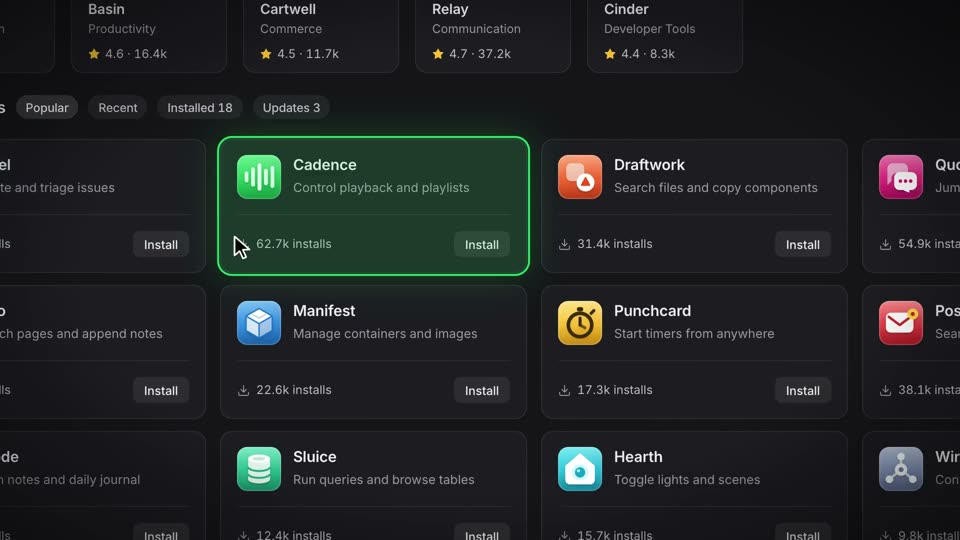
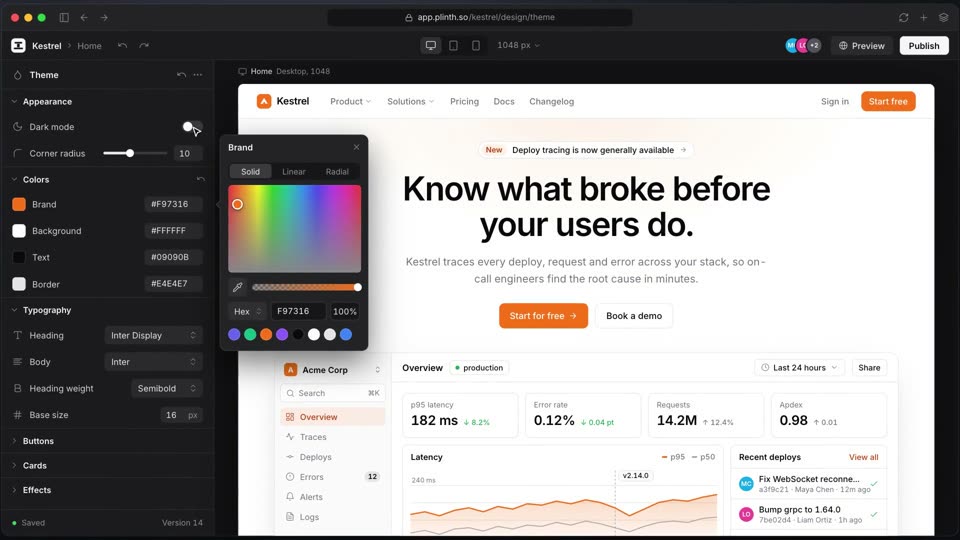
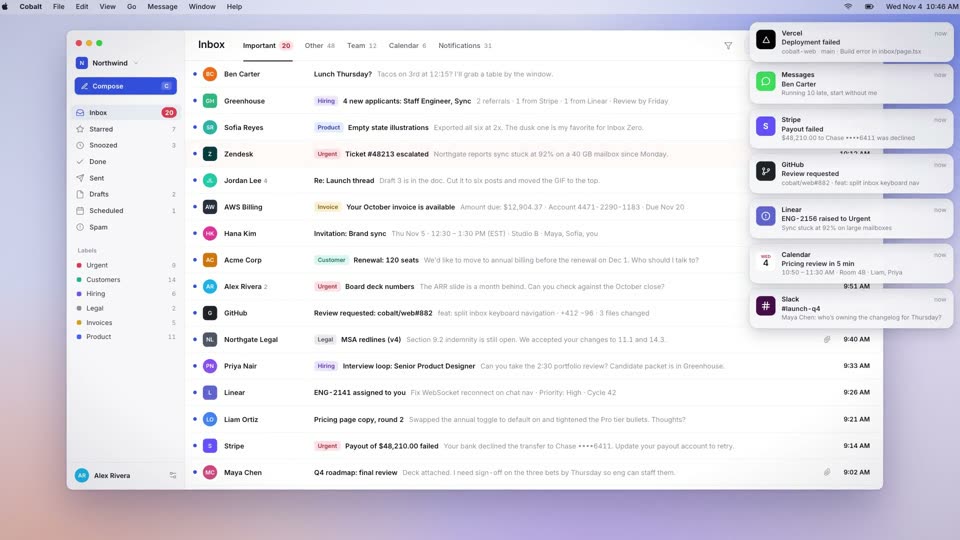
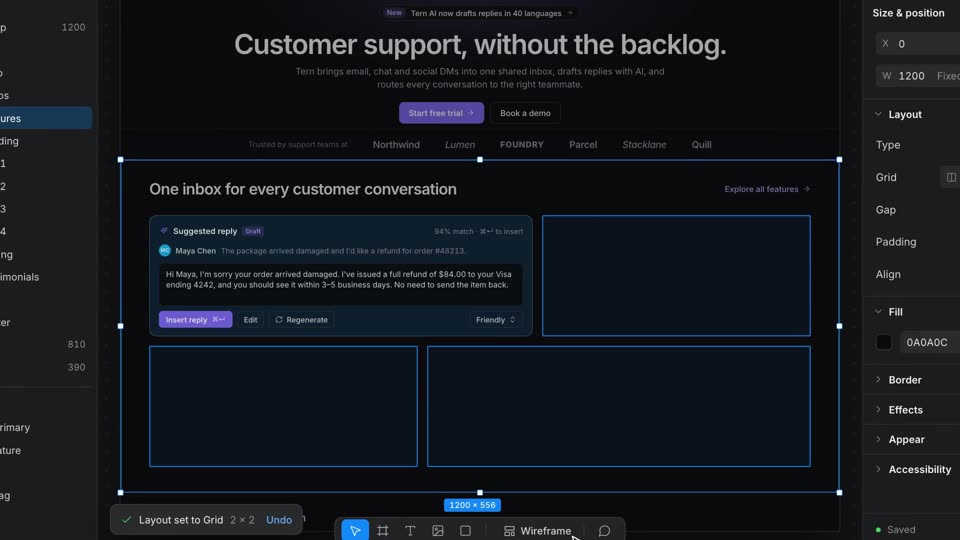
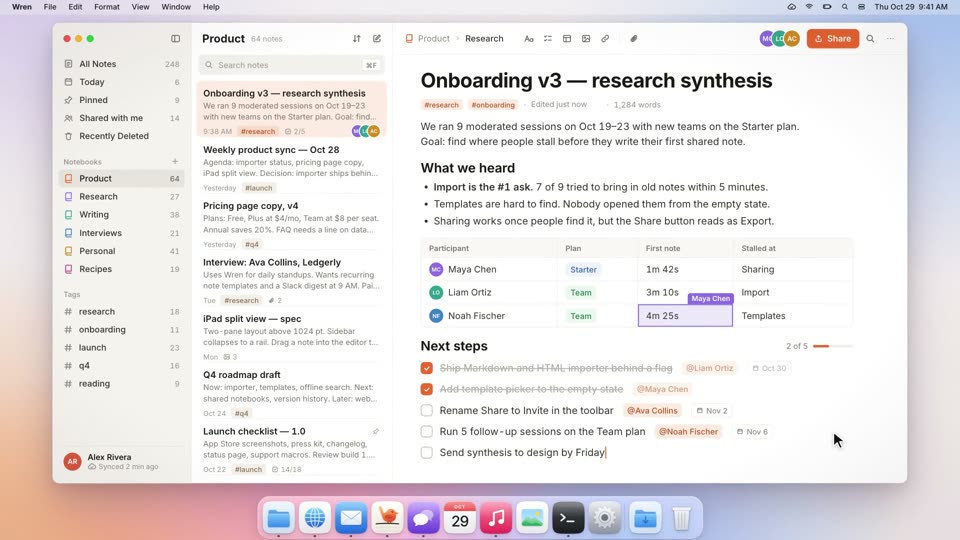
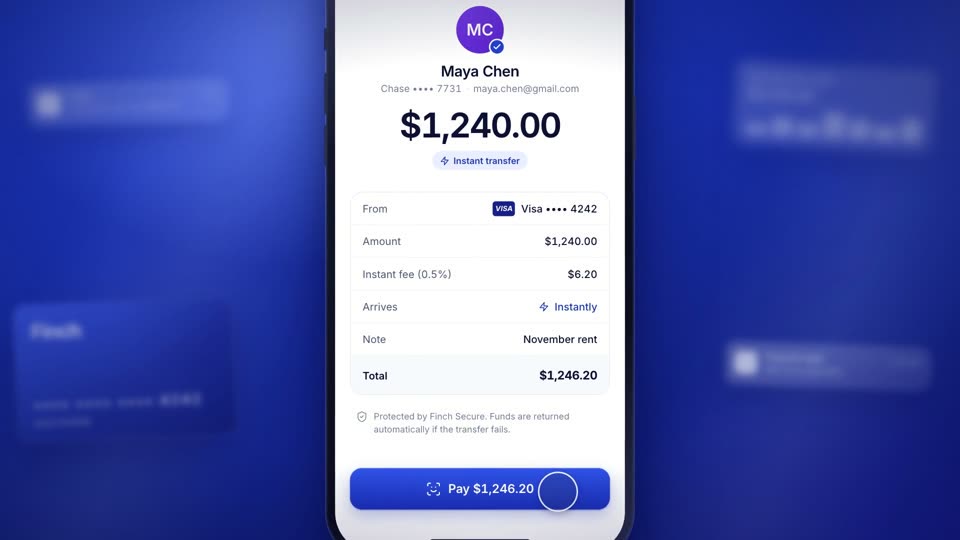
UI animation makes up the middle of a software launch film, between the opening and the closing wordmark. Several of these films show a window arriving, a few interactions, and the window leaving. In Card Flip Animation the window leaves at 9.4 s and the wordmark comes in at 9.85 s. In Control-Driven Change the window leaves at 8.6 s and the wordmark comes in at 9.1 s.
Each recipe directs attention to one element at a time. Zoom to Cursor and 3D Tilted UI with Depth of Field move the camera to the active element, Focus Hop moves a highlight, and Control-Driven Change changes the page on the frame a control lands. For the scene changes between these interactions, see transitions; for how the final shot reveals the product, see product reveal.
Install the Motionboard skill in Claude Code or Codex. Then paste the copy prompt from a recipe page, or ask the skill for a recipe by name and give it your product, logo and brand colors.
npx skills add krisyangdev/motionboardThe agent recreates the shot for your own product. Copy one recipe, or ask the skill for a whole film built from several. The output is an MP4 rendered with HyperFrames, or GSAP motion that runs on your website. The product launch video guide covers the full workflow.
It is motion applied to a recorded or rebuilt interface to show how a feature works: cursor moves, clicks, flips, highlights and state changes. The recipes here rebuild the interface in HTML, so every state change lands on an exact frame that you can adjust.
The recipes use 0.2 to 0.8 s for most movements: Zoom to Cursor pushes in 0.6 s and pulls back in 0.7 s, Card Flip takes 0.8 s each way, and Focus Hop dwells 0.22 to 0.34 s on each cell. Faster steps appear only when the film builds a rhythm, as in Pile-up and Clear.
The recipes combine camera and focus. 3D Tilted UI with Depth of Field blurs every row except the active one, Zoom to Cursor pushes in on the element being used, and Focus Hop moves a highlight with the cursor so the eye follows the change.