Dispense Line-upFeatures
Motionboard shot: Multiplayer Cursors
Enlarged two-color named cursors move across a canvas, leave comments, and drag items to reorder.
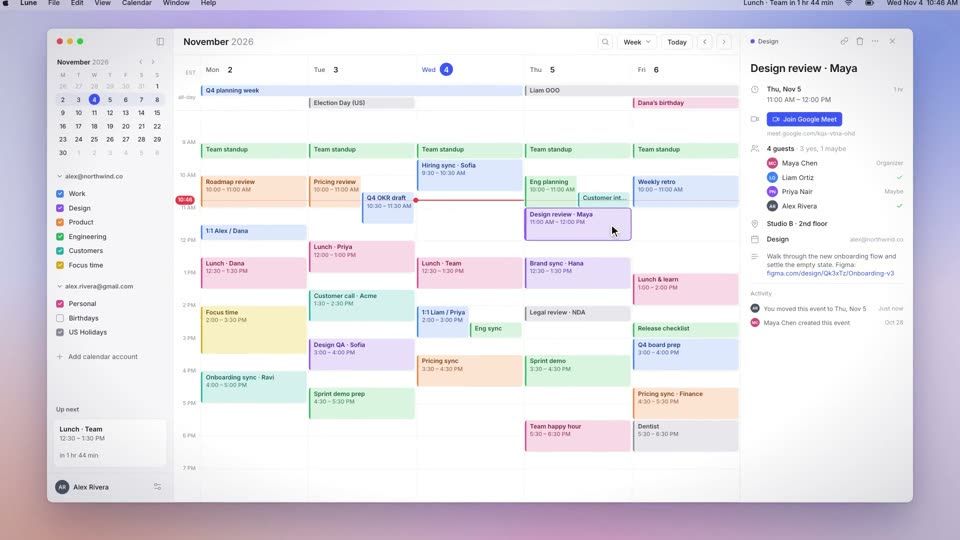
Draw cursors at 46×56px (about 5% of frame height) with a white outline, a soft shadow and a name tag: Liam Ortiz in black #141414, Maya Chen in magenta #d81283. Avatars pop in between 0.35s and 1.8s on back.out(2.2). Maya’s comment bubble matches her color, types at 15 characters per second and changes from "typing…" to "Just now" on the Enter frame.
Push in 1.4× over 0.4s on expo.out at 4.3s and counter-scale each cursor by 1/1.4 to keep its on-screen size. Drag slide 12 two columns left over 0.8s on power2.inOut with a 12px arc, shifting slides 11 and 10 one column right. Slide numbers and the left panel update together on the drop frame at 5.85s.
Press the copy button to send this recipe to Claude Code or Codex, or install the skill once with npx skills add krisyangdev/motionboard. The agent builds the 33-slide deck and the two cursors. Render an MP4 with HyperFrames, or port the GSAP timeline to your website.
npx skills add krisyangdev/motionboardEnlarged cursors become characters in the frame, and the interaction between two cursors stages collaboration. The comment bubble matches its cursor's color, so it maps to a person at a glance. The thumbnail grid provides density, and after the push-in only a small part of it is visible.
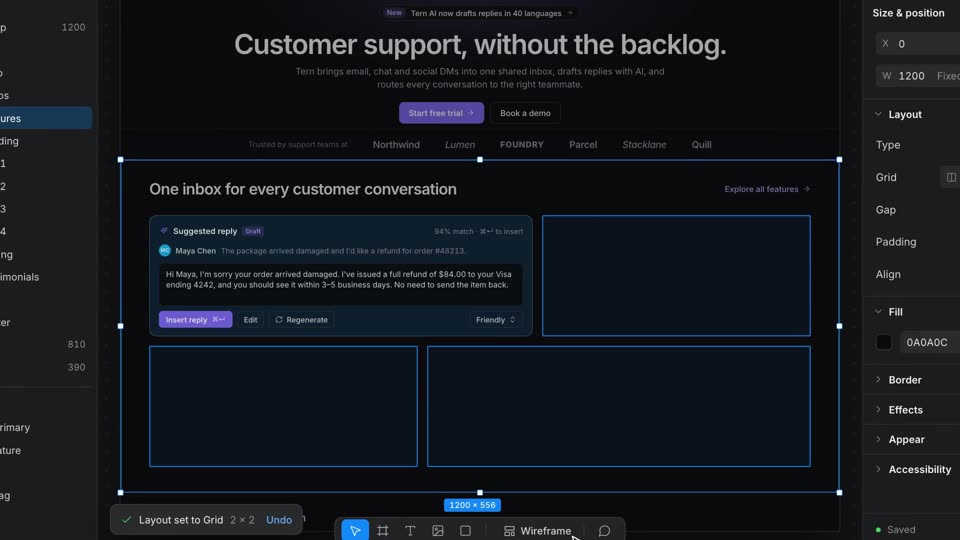
expo.out with a 3px blur pulse; drag power2.inOut with a 12px arc in y; avatars back.out(2.2); bubble back.out(1.7); reflow expo.out 0.4s; press scale 0.86 over 0.08s, release back.out(1.7) 0.22slinear (about 3% of frame height per second) while the whole scene drifts scale 1→1.04 over 8.7s; at 4.3s push in 1.4x onto the slide, cursors counter-scale by 1/1.4 to keep their on-screen size; pull back at 6.15s#141414 (Liam Ortiz) and one magenta #d81283 (Maya Chen), each with a name tag; Liam box-selects three slides, Maya rests on a green slide and a same-color comment bubble types "Can we lead with this?", then she drags slide 12 two columns left to position 10 while slides 11 and 10 shift one column right; the slide numbers and left panel list update on the drop frame; Maya then clicks Present and the slide opens full screen#fafafa canvas with a 33-slide pitch deck in neon green, yellow, orange, and dark green slides; cursors with a white outline and a soft shadowDemonstrate collaboration with a shot called Multiplayer Cursors. A white editor window holds a 33-slide thumbnail grid that scrolls up 140px over 4.3s with linear ease, and avatars pop into the top bar one by one (back.out(2.2), spacing shrinking from 0.45s to 0.27s). Two named cursors, 46×56px (about 5% of frame height), black for Liam and magenta for Maya, move across it: Liam box-selects three slides from 1.9s, Maya rests beside a green slide from 2.45s and a same-color comment bubble pops up (back.out(1.7)) and types at 15 characters per second. After Enter at 4.2s the view pushes in 1.4x over 0.4s with expo.out while the cursors counter-scale to keep their size. Maya presses at 4.8s and drags the slide two columns left to position 10 over 0.8s with power2.inOut, the other two thumbnails shifting a column with expo.out in 0.4s, and the numbers update on the drop frame. Pull back at 6.15s, click Present at 7.55s so the slide opens full screen, and land your wordmark at 8.75s with both cursors meeting on it. Cursor paths include pauses.
A multiplayer cursor is a pointer labeled with a user’s name and color that shows where another collaborator is working in a shared document. Enlarged in a film, the cursors act as characters.
In this film they are 46×56px, about 5% of frame height, so the name tags are readable. When the camera pushes in, they are counter-scaled to keep that on-screen size.
Yes. Motionboard is free and MIT licensed, so you can use and modify the recipes and the films they produce in personal and commercial projects. The licence asks only that copies of the recipe files keep the copyright notice.