10s

Ending · 10.5s film
Blur Text Animation
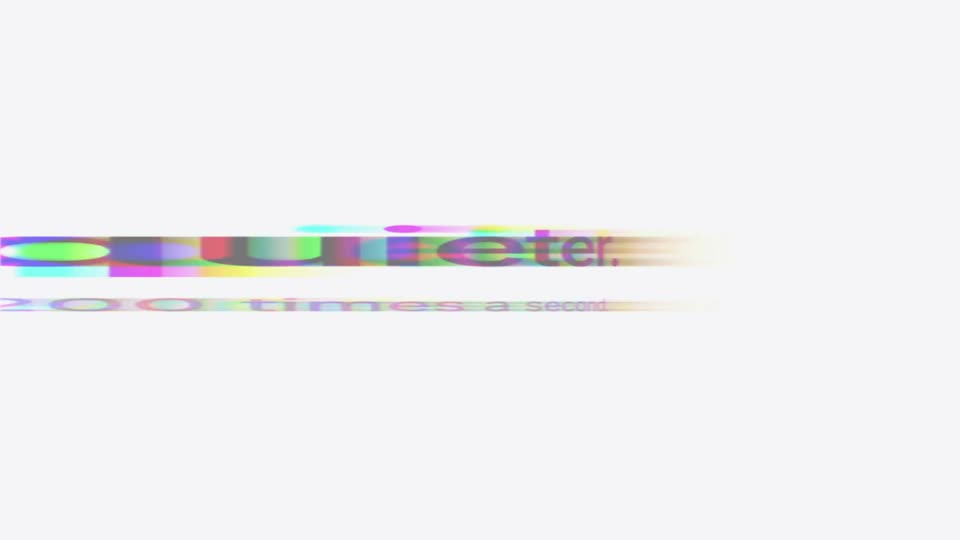
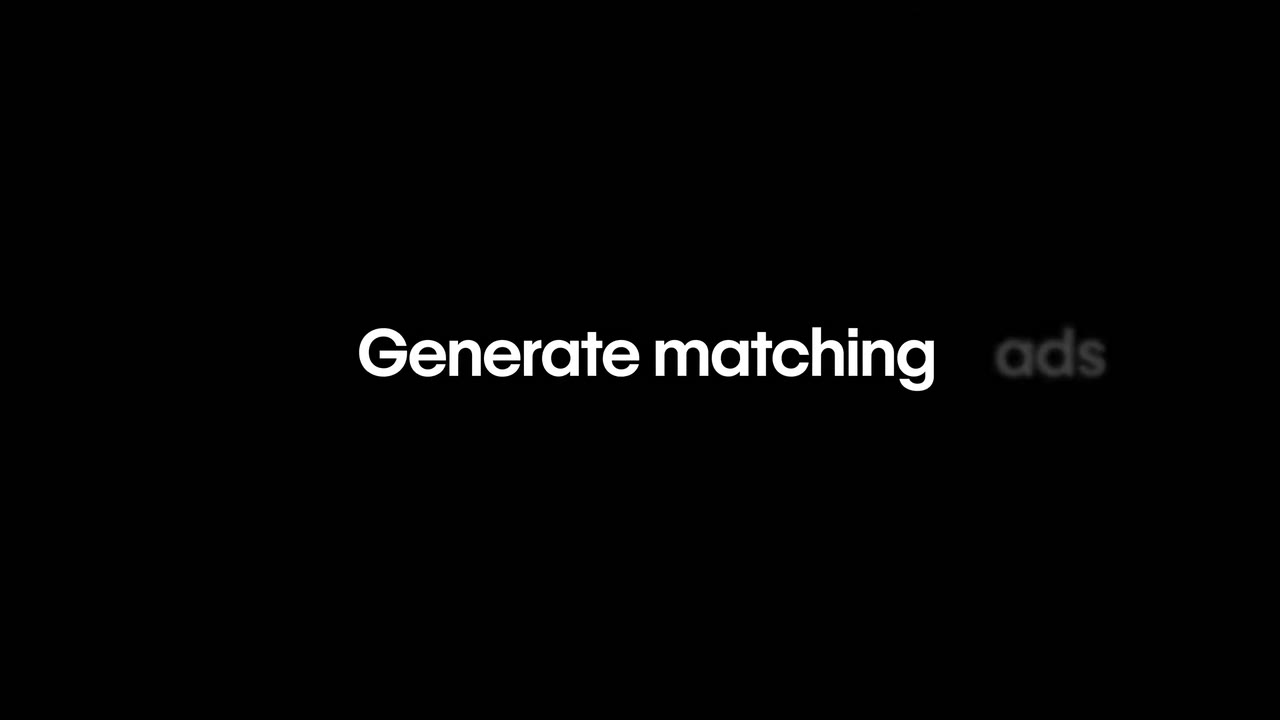
Large words on a dark field resolve from heavy blur one at a time, each line blurs away word by word before the next arrives, the product screen behind sharpens with the line about focus, and the closing tagline sharpens before the product mark lands under it.
Seen in real launch films
How to make a Blur Text Animation with Claude Code or Codex
Copy the recipe above and paste it into Claude Code or Codex. The agent installs the skill and builds the shot.
npx skills add krisyangdev/motionboardHow it's built
Give every word or letter the same entrance: start at 52px blur, scale 1.12 and opacity 0, with up to 9px of sideways drift and 12–26px below, then ease to 0px blur and scale 1 over 1.1s with power3.out while opacity rises over half that time with power1.out. Stagger the units: 0.28s between words and 0.035s between letters on the 150px hero line, 0.2s between words on the 168px second line. A line leaves by the reverse move word by word (46px blur, scale 1.07, 14px up, power2.in over 0.7s, 0.1s apart), and the next line starts arriving about 0.4s before it has finished.
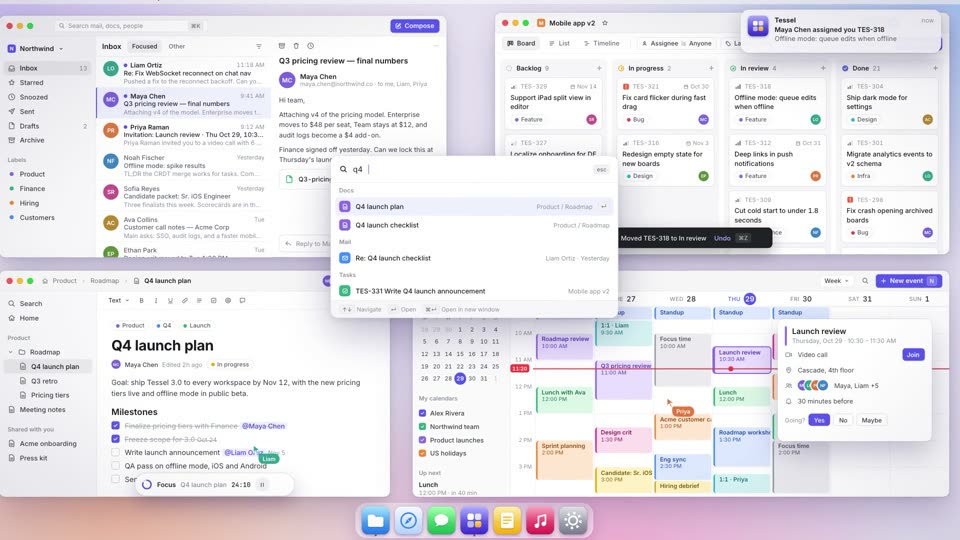
Put a product screen behind the text and let it carry the idea. A 1700x960 editor sits at 60% opacity under a dark veil, starts at 9px blur and sharpens over 5.6–6.9s while the third line reads We bring it into focus. At 7.55s the 184px tagline Write clearly. resolves from 60px blur letter by letter (0.3s between words, 0.04s between letters), the screen dims to 13%, and at 8.7s the tagline rises 104px as a 108px mark and the wordmark resolve under it.
Press the copy button to send this recipe to Claude Code or Codex, or install the skill once with npx skills add krisyangdev/motionboard. The agent builds the editor, the text units and the lockup. Use one accent such as amber #ffb15c on the last word of the tagline and the mark, keep Inter 700 with -0.035em letter-spacing, and take drift values from a seeded generator. Render an MP4 with HyperFrames, or port the GSAP timeline to your website.
Full recipe
Why it works
Blur reads as not yet in focus. A word at 52px blur still has its colour and rough width, so the eye sees where the text will land and then reads the meaning one word at a time at the pace of the stagger. The hero lines resolve letter by letter, so a word grows from the inside letter by letter; the smaller lines resolve per word, which keeps them quick. The blur-out is the same move in reverse, word by word, so a line leaves in the order it came and the next line arrives in the space it freed. The product screen behind starts blurred too and sharpens from 9px blur with the line We bring it into focus., so the image and the words say the same thing. The close is the only hold in the film: the tagline sharpens last, the screen dims to 13% and the mark lands under it, so the final frame is a tagline and a mark on near black with one amber accent, #ffb15c.
Spec
- Timing
- Film 10.5s. Line 1 resolves 0.45–2.6s (0.28s between words, 0.035s between letters, 1.1s per letter) and blurs out 2.95–3.95s (0.1s between words); line 2 resolves 3.55–4.9s (0.2s between words, 0.95s each) and blurs out 5.15–6.05s; line 3 resolves 5.7–7.28s (0.17s between words, 0.9s each) and blurs out 7.0–8.02s (0.08s between words); tagline letters resolve 7.55–9.28s (0.3s between words, 0.04s between letters, 1.15s per letter); the tagline rises and the mark lands 8.7–9.65s; wordmark letters 8.85–10.11s; held to the end
- Easing
- Entrance blur, scale and drift power3.out, opacity power1.out over half the duration; exit blur, scale and drift power2.in, opacity power1.in starting 0.12s later; tagline rise, mark and wordmark
cubic-bezier(0.16,1,0.3,1)(expo.out); background screen sharpening and dimming power2.inOut; the pushes, the screen scale and the page scroll are constant-speed - Camera
- Locked framing with slow drifts only: the text layer scales 1.0→1.045 over 0–10.5s; the editor behind scales 1.07→1.0 over 0–8s while its page scrolls up 140px; the lockup layer scales 1.0→1.035 over 8.7–10.5s
- Subject
- Inter 700, letter-spacing -0.035em, line height 1.04: lines 1 and 3 at 150px in two rows, line 2 at 168px in one row, tagline at 184px in one row. Each unit starts at 52px blur (tagline 60px), scale 1.12, opacity 0, drifts at most 9px sideways and rises from 12–26px below, and ends at 0px blur, scale 1; the exit goes to 46px blur, scale 1.07, 14px up, at most 7px sideways and opacity 0, with the drift taken from a seeded generator (mulberry32). Line 1 and the tagline split into letters; lines 2 and 3 move per word. The mark is a 108px amber rounded square (radius 24 per 100) with a dark C stroke and a cursor bar; the Clearline wordmark is Inter 700 at 96px, 26px from the mark. Behind it sits a 1700x960 Clearline editor at (110px, 60px) with a 250px sidebar, a draft titled Introducing Clearline 2.0 and a 360px clarity panel (score 92), at 60% opacity under an elliptical dark veil (1350x620, 80% at the centre, 12% at the edge)
- Sync
- While line 3 reads We bring it into focus., the editor sharpens from 9px blur over 5.6–6.9s; as the tagline resolves the editor dims from 60% to 13% over 7.5–8.6s and an amber glow behind the tagline rises over 7.55–8.95s; the tagline rises 104px at 8.7s and the mark starts resolving at 8.75s, so the lockup sits under the tagline; each line starts arriving 0.35–0.47s before the previous line has finished blurring out
- Style
- Near black
#09090b, text#f4f4f6, grey#8a8a96for blurry. and rough., one accent amber#ffb15c(clearly., the glow behind the tagline, the mark gradient #ffc98a to #ff8c38 and the suggestion marks in the editor); Inter only; a vignette (55% at the edge) and film grain (9% opacity, repositioned every 1/12s from a seeded generator)
Prompt
Build a 10.5-second, 1920x1080, 30 fps product film called Blur Text Animation for a fictional product, Clearline (an AI writing app). The frame is near black #09090b with text #f4f4f6; grey #8a8a96 is used only on the words blurry. and rough., and the only accent color is amber #ffb15c. Use Inter 700 only, letter-spacing -0.035em, line height 1.04, text centered. Behind the text sits a blurred product screen: a 1700x960 Clearline editor with its top-left at (110, 60), a 250px sidebar (Search, Ask Clearline, Recent, a Drafts list, Folders, a user Maya Chen at the bottom), a real draft titled Introducing Clearline 2.0 in the middle (a few English paragraphs, a list and two amber-underlined suggestions) and a 360px clarity panel on the right (score 92, Readability Grade 7, four suggestion cards). The editor is at 60% opacity under an elliptical dark veil (1350x620, rgba(9,9,11,0.8) at the centre, 0.12 at the edge). Every text unit moves the same way. Entrance: start at 52px blur, scale 1.12, opacity 0, at most 9px sideways drift and 12–26px below; blur, scale and position ease to 0px, 1 and 0 with power3.out and opacity rises to 1 with power1.out over half the duration. Exit: 46px blur, scale 1.07, 14px up, at most 7px sideways, power2.in over 0.7s, opacity fading with power1.in over 0.5s starting 0.12s later. Take drift values from a seeded generator (mulberry32), never Math.random. Timeline: at 0.45s line 1 enters at 150px in two rows, Every idea / starts blurry., split into letters, 0.28s between words, 0.035s between letters, 1.1s per letter; from 2.95s it blurs out word by word, 0.1s apart. At 3.55s line 2, Say it rough., enters at 168px in one row, moving per word, 0.2s between words, 0.95s each; from 5.15s it blurs out word by word, 0.1s apart. At 5.7s line 3, We bring it / into focus., enters at 150px in two rows, 0.17s between words, 0.9s each; from 7.0s it blurs out word by word, 0.08s apart. Each line starts arriving about 0.4s before the previous line has finished blurring out. Background screen: opacity rises to 60% over 0–1.2s (power2.out) with a 9px blur at the start, sharpens over 5.6–6.9s (power2.inOut, aligned with line 3) and dims to 13% over 7.5–8.6s; over 0–8s it scales from 1.07 to 1.0 while its page scrolls up 140px at constant speed. At 7.55s the tagline Write clearly. enters at 184px in one row, split into letters, starting at 60px blur, 0.3s between words, 0.04s between letters, 1.15s per letter, with clearly. in amber; an amber glow rises behind it (ellipse 900x380, 20% at the centre, 1.4s power2.out). At 8.7s the tagline rises 104px (0.95s, expo.out) and at 8.75s the mark resolves from 24px blur and scale 0.8 (0.9s, expo.out): a 108px amber gradient rounded square (#ffc98a to #ff8c38, radius 24 per 100) with a dark #1a1209 C stroke and a cursor bar. To its right the wordmark Clearline, Inter 700 at 96px, 26px away, resolves letter by letter from 22px blur starting 8.85s, 0.045s between letters, 0.9s each. The lockup row sits with its top at 656px and holds to the end of the film, pushing slowly to 1.035x over 8.7–10.5s. Across the whole film the text layer scales from 1.0 to 1.045 at constant speed. Add a vignette (55% at the edge) and film grain (9% opacity, repositioned every 1/12s).
People describe it as
- Words come out of heavy blur one at a time
- One line blurs away word by word and the next line comes in
- The tagline sharpens last and the product mark lands under it
Often confused with
- Word-by-Word Text HighlightWord-by-Word Highlight brightens words from gray to white in a line that never moves or blurs; in Blur Text Animation each word resolves from heavy blur with scale and drift, and the whole line then blurs away word by word.
- One Word per CutOne Word per Cut swaps words by cutting, with a new screen behind each one; in Blur Text Animation the words resolve in place from blur, lines hand over by blurring out, and the screen behind focuses once.
FAQ
What is a blur text animation?
A blur text animation shows text that starts heavily blurred and invisible and sharpens into focus, usually one word or letter at a time. A staggered start for each unit makes the line read in sequence, and the same blur applied in reverse makes a line leave.
How large should the blur be?
Large enough that a word loses its letter shapes but keeps its colour and width, which is about 46–60px of blur on 150–184px type. Add a small scale change (1.12 down to 1.0) and a few pixels of drift so the blur looks like focus pulling.
Is it free to use?
Yes. Motionboard is free and MIT licensed, so you can use and modify the recipes and the films they produce in personal and commercial projects. The licence asks only that copies of the recipe files keep the copyright notice.