10s
Ending · 11s film
Line Drawing Logo Animation
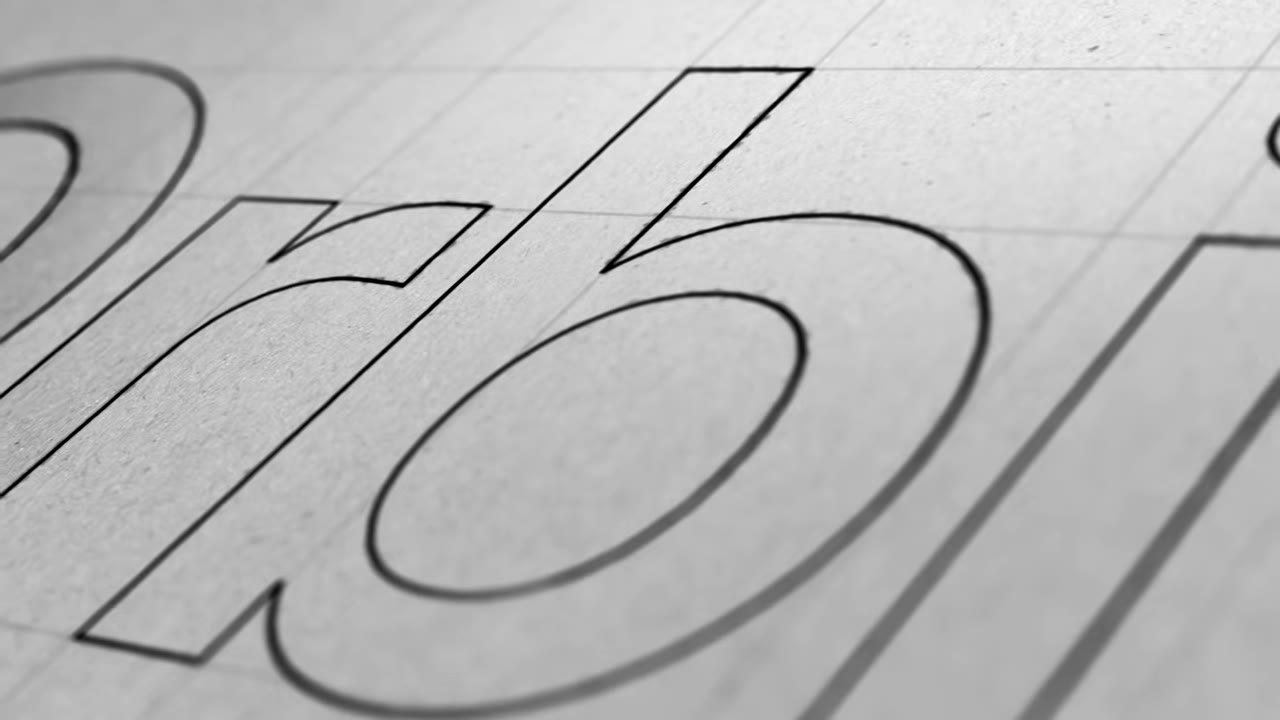
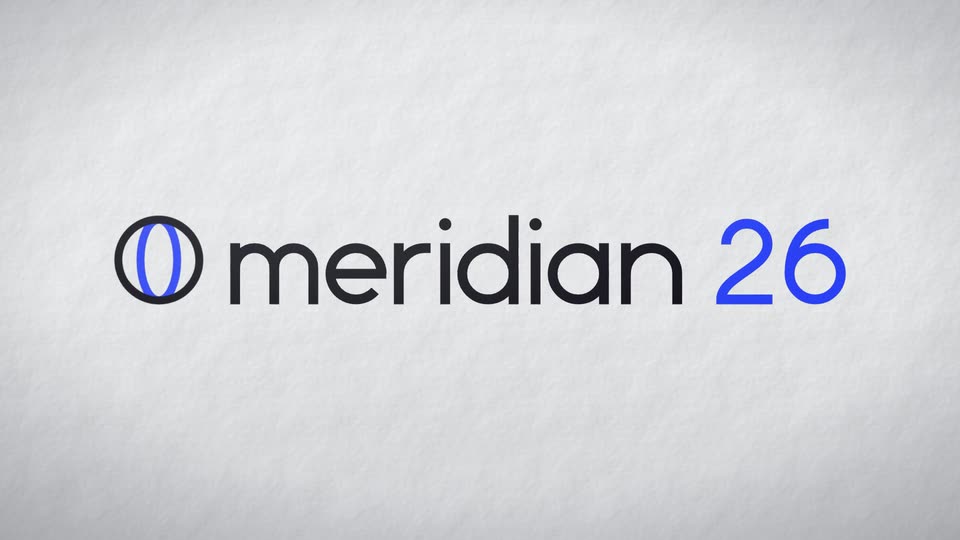
A low macro camera follows a plotter pen across paper: it draws a ring and a meridian, sketches each letter as a skeleton, a heavy pen fills them in, then the film cuts to the flat logo, which blurs while the date and URL type on below it.
Motionboard shot: Plotter-Drawn Logo
Seen in real launch films
How to make a Line Drawing Logo Animation with Claude Code or Codex
Copy the recipe above and paste it into Claude Code or Codex. The agent installs the skill and builds the shot.
npx skills add krisyangdev/motionboardHow it's built
Build one paper plane (1 unit = 2.8px, x-height 100 units) that holds the whole logo as stroke paths, and draw it with stroke-dashoffset on pathLength=10000 paths (GSAP rounds CSS lengths to whole numbers, so a pathLength of 1 would make every stroke jump). A thin pen (about 2px) draws the ring from 55% to 79% in take 1 (0–1.9s), then the blue meridian ellipse takes 0.9s at 2.3s. Light gray guides (36 strokes plus baseline ticks every 6 units) sit under the pen.
Run the camera as four takes with hard cuts at 1.9s, 3.4s and 4.7s: zoom 5.2→4.4 at 58° tilt, zoom 2.5→2.2 at 50°, zoom 1.9→1.75 at 55°, then zoom 1.15→0.78 at 52°→46° with power3.out, pulling back and sliding right so the 6 ends about 280px inside the frame. Keep the pen tip near the middle of the frame: aim the camera 4° of arc ahead of the tip in take 1, and about 25 units left of the letter being drawn in take 3. The 10 letter skeletons start from 3.0s, 0.16–0.22s apart. Fake depth of field with four copies of the plane blurred 0, 2.4, 6 and 12px under screen-space masks. The heavy pen (16 units, about 45px) fills the letters from 4.66s, 0.075s apart, with the strokes inside a letter drawn one after another.
At 5.8s cut to the flat logo, 1480px wide, hold it sharp to 7.0s, then defocus it over 0.9s (blur 0→16px, opacity 1→0.18, moving up 90px). Once the defocus is done, type the date below it from 7.75s (0.035s per character, expo.out) and the URL from 8.15s, and hold both to 11s. The paper and guides are on screen from frame 0. Press the copy button to send this recipe to Claude Code or Codex, or install the skill once with npx skills add krisyangdev/motionboard, then render an MP4 with HyperFrames.
Full recipe
Why it works
Macro paper with depth of field makes a few thin lines the subject, so the viewer sees how the logo is drawn before seeing the finished mark. Four camera positions cut at 1.9s, 3.4s and 4.7s, each showing one thing (ring, meridian, letters, fill), and the three cut points set the rhythm. After the hard cut to the flat logo it defocuses into the paper over 0.9s (moving up 90px) and the date and URL type on below it once the defocus has finished, so the two never overlap and the eye does not have to move. The whole film has one accent color, used only for the meridian, the 26 and the URL.
Spec
- Timing
- Film 11s. Hard cuts at 1.9s, 3.4s and 4.7s, and to the flat logo at 5.8s. A thin pen draws the ring 0–2.6s (55% to closed) and a blue pen the meridian 2.3–3.2s. The 10 skeletons start from 3.0s to 4.78s, 0.16–0.22s apart, 0.3–0.55s each. The heavy pen fills 4.5–5.755s, characters 0.075s apart, 0.42s each. Flat logo 5.8–7.0s, defocus 7.0–7.9s, the lockup moves up 90px as it defocuses, date types from 7.75s, URL from 8.15s, held to 11s. The paper texture and guides are on screen from frame 0 with no fade-in
- Easing
- Ring pen
none(constant speed); meridian and letter skeletonspower1.inOut; heavy fillpower2.out; guidespower2.out; camera constant speed (none) in takes 1, 2 and 3,power3.outin take 4; logo defocuspower2.inOut; date and URLexpo.out(0.5s per character, 0.035s apart, each character rising 8px from below and going from 6px blur to sharp) - Camera
- Perspective 1500px, the paper tilted about a horizontal axis. Take 1 zoom 5.2→4.4, tilt 58°→55°, roll −10°→−6°, the camera aimed 4° of arc ahead of the pen tip so the tip stays near the middle of the frame (about 45% of the frame height); take 2 zoom 2.5→2.2, tilt 50°→47°; take 3 zoom 1.9→1.75, tilt 55°→52°, the camera sliding right aimed about 25 units left of the letter being drawn, so the pen tip sits in the middle-right of the frame; take 4 zoom 1.15→0.78, tilt 52°→46°, pulling back and sliding right while the fill runs, with the whole mark inside the frame at its start and the right edge of the 6 about 280px inside the frame at the end. An extra 1.00→1.02 slow push runs across all four takes. Depth of field uses four identical copies of the plane blurred 0, 2.4, 6 and 12px, with a focus band half-width of 150, 190, 160 and 330px (takes 1 to 4)
- Subject
- Plane units: 1 unit = 2.8px, x-height 100 units (280px). Mark: an ink ring plus a blue meridian ellipse (radius 66, half-width 30 units); wordmark meridian plus a blue 26, 10 characters built from arcs and straight lines. Thin pen 0.7 units (about 2px), heavy pen 16 units (about 45px) for letters and 13 units for the ring and meridian. 36 guide strokes: 4 horizontal rulings, 3 concentric circles, 3 diagonals, 2 cross lines, the left and right edge of every character and the bounding circle of each round letter, plus baseline ticks every 6 units and registration crosses
- Sync
- Each character's guides are drawn 0.8–0.9s before its skeleton; each character's heavy stroke starts only after its own skeleton is done (the m skeleton ends at 3.55s and its fill starts at 4.66s; the 6 skeleton ends at 5.28s and its fill starts at 5.335s); strokes inside a character run one after another in both passes (m: stem, then the two arches; e: crossbar, then the bowl) and the character's total time stays the same; the i-dots fill 0.28s after the heavy stroke starts; the last character is filled at 5.755s and the film cuts to the flat logo at 5.8s, 0.045s later
- Style
- Paper base
#f3f4f6with two multiply relief textures (256px and 1024px); ink#0d0f13, ultramarine accent#2346ff(meridian, 26, URL), guides#7d838d; a 256px grain tile jumped every frame (9% multiply, 3% screen) and a 30% vignette; date and URL Inter 500, 50px, centered (date text box top at y=600px, URL at y=680px), the URL in the accent color
Prompt
Build a closing shot called Plotter-Drawn Logo for an event, 11 seconds, 1920×1080, 30fps. Use one paper plane (base #f3f4f6 with relief texture) that carries the whole logo: a mark made of an ink ring and a blue (#2346ff) meridian ellipse, plus a lowercase wordmark meridian built from arcs and lines and a blue 26, 10 characters in all, x-height 100 units = 280px. The camera is a low macro with 1500px perspective, and depth of field comes from four identical copies of the plane blurred 0, 2.4, 6 and 12px with a focus band half-width of 150–330px. Draw every stroke with stroke-dashoffset and set pathLength to 10000 (GSAP rounds CSS lengths to whole numbers, so a pathLength of 1 makes strokes jump). 0–1.9s take 1 (zoom 5.2→4.4, tilt 58°→55°, constant speed): the paper texture and gray guides (cross lines, concentric circles, diagonals, horizontal rulings) are on screen from frame 0 with no fade-in, and a thin pen (about 2px) draws the ring at constant speed from 55% to 79% while the camera is aimed 4° of arc ahead of the pen tip, so the tip stays in the middle of the frame. At 1.9s hard cut to take 2 (zoom 2.5→2.2, tilt 50°→47°): the ring closes at 2.6s, a blue pen draws the meridian ellipse over 0.9s (power1.inOut), and from 3.0s the m appears at the right edge. At 3.4s hard cut to take 3 (zoom 1.9→1.75, tilt 55°→52°, constant speed): the 10 character skeletons start in turn at 3.0, 3.22, 3.44, 3.62, 3.78, 3.98, 4.14, 4.34, 4.56 and 4.78s, 0.3–0.55s each with power1.inOut, the strokes inside a character drawn one after another, each character's edge lines and bounding circle start drawing 0.8–0.9s earlier; the camera slides right, aimed about 25 units left of the letter being drawn, so the pen tip sits middle-right in the frame. At 4.7s hard cut to take 4 (zoom 1.15→0.78, tilt 52°→46°, power3.out, the camera pulling back and sliding right), opening with the whole ring mark inside the frame and ending with the right edge of the 6 about 280px inside the frame: a heavy pen (letters 16 units, about 45px; ring 13 units) traces over every skeleton, ring at 4.5s, meridian at 4.58s, characters from 4.66s every 0.075s, 0.42s each (power2.out), the strokes inside a character drawn one after another (m: stem, then the two arches; e: crossbar, then the bowl), the i-dots filling 0.28s later. At 5.8s hard cut to the flat paper: the logo is 1480px wide and centered, pushing 1.00→1.03 until 7.0s, then over 0.9s (power2.inOut) it defocuses to 16px blur, 18% opacity and scale 1.10 while moving up 90px, and keeps drifting to 1.14. From 7.75s the date "16 Dec 2026" (Inter 500, 50px, text box top at y=600px, below the defocused logo) types in character by character, 0.5s each with expo.out, 0.035s apart, rising 8px from below and going from 6px blur to sharp; from 8.15s the URL "meridian26.com" (text box top at y=680px) types in the same way in the accent color; hold to 11s. Finish with a per-frame jumping grain tile and a vignette. Build it with HTML/SVG + GSAP.
People describe it as
- The camera hugs the paper while a pen draws a ring and letters
- After the line drawing, a heavy pen fills every letter from left to right
- The logo blurs back into the paper and the date and URL type on below it
Often confused with
- Logo Wordmark RevealMark-to-Wordmark Unfold pushes the wordmark out of an existing mark in one 1.3s move; Plotter-Drawn Logo draws the mark and wordmark stroke by stroke on blank paper with a moving camera and ends on a date and URL.
- Outline-to-Solid RevealOutline to Solid lights a product outline and fills it in place on a fixed camera; Plotter-Drawn Logo draws the strokes one by one on paper with a moving macro camera.
FAQ
How do you make a line drawing logo animation?
Put the logo's strokes on a path, give each path a large pathLength such as 10000 and animate stroke-dashoffset from 10000 to 0 so the line grows from its start. Draw a thin skeleton first and trace a heavy stroke over it afterwards, as this film does, so the logo seems to be drawn and then inked.
How does the film fake depth of field on a drawing?
It stacks four copies of the paper plane, blurs them 0, 2.4, 6 and 12px and masks each with a soft band, so the area around the pen stays sharp while the near and far paper blur. The band is set once per take and resets at each cut, with a half-width of 150, 190, 160 and 330px.
Is it free to use?
Yes. Motionboard is free and MIT licensed, so you can use and modify the recipes and the films they produce in personal and commercial projects. The licence asks only that copies of the recipe files keep the copyright notice.