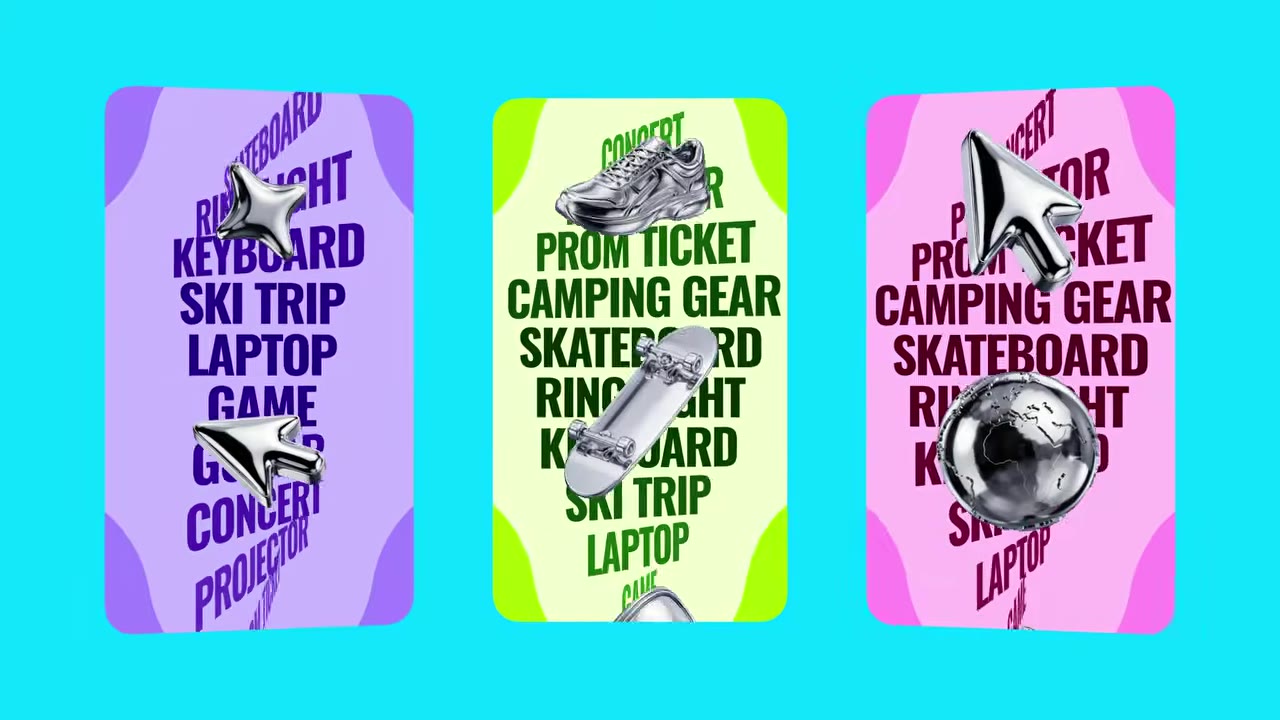
11s
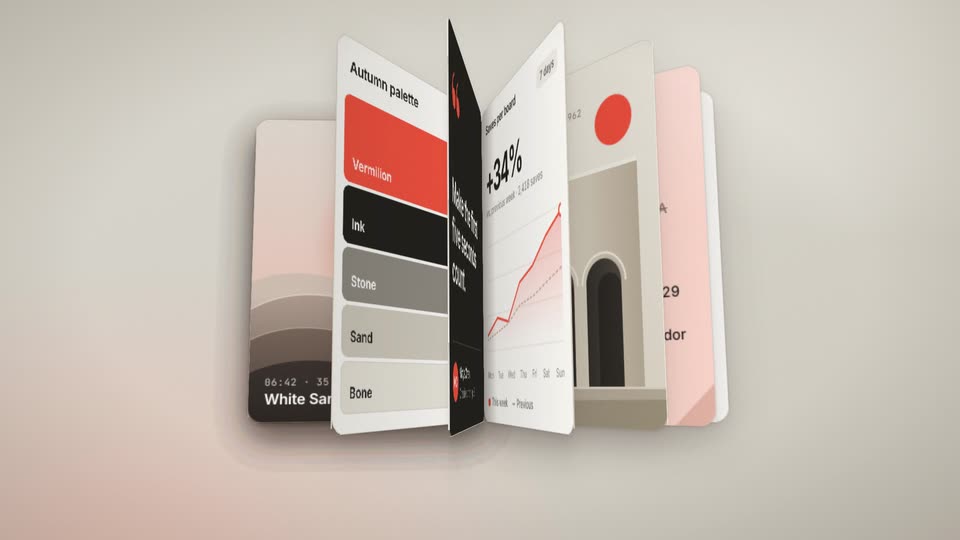
Transitions · 10.5s film
Flipbook Animation
After a click, the 15 cards on a moodboard collapse into a book, the pages flip faster and faster, then burst into a 3D collage that drifts toward the camera and settles behind a wordmark.
Motionboard shot: Flipbook Burst
Seen in real launch films
How to make a Flipbook Animation with Claude Code or Codex
Copy the recipe above and paste it into Claude Code or Codex. The agent installs the skill and builds the shot.
npx skills add krisyangdev/motionboardHow it's built
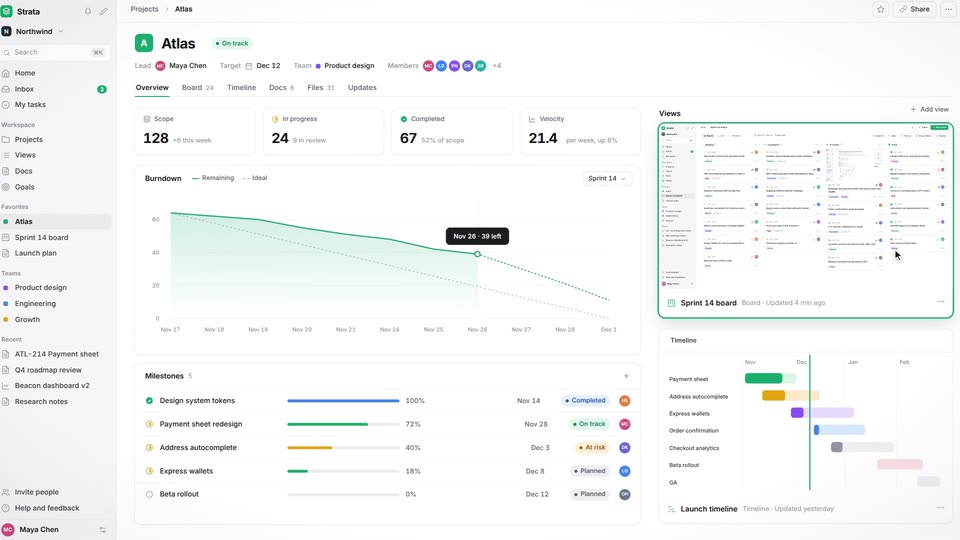
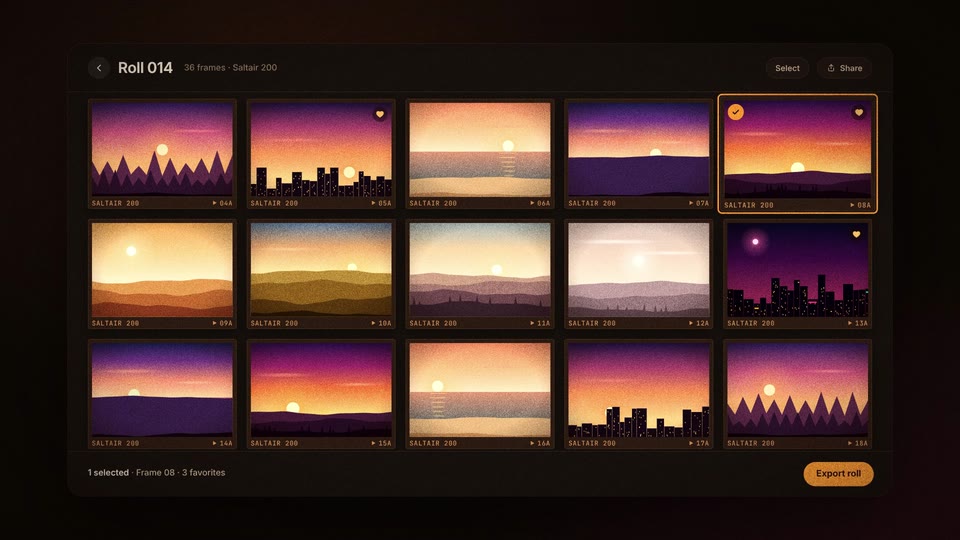
Prepare 15 cards of 240×320, each with a front, a back and a paper edge as thick as the page spacing, and place them in a 5×3 grid inside an app window at scale 0.76. On the click (1.62s) collapse them with expo.out over 1.15s into a closed book at screen center, scale 1.6, page spacing 3.6px, spine at x 960, while the window recedes to z −320 over 0.8s and the view pans 211px left to center the closed book.
Flip the pages from 2.6s to 4.78s: each page turns about the spine with power2.inOut, the gap between flips shrinks from 0.20s to 0.07s, and the last six pages stop in a fan between −168° and −58° so they are in the air together. Turn the camera from rotY −26° to +20° at constant speed under perspective 1600px, hold the fan for 0.17s, then shrink the cards to 0.93 times their book size over the last 0.1s while the camera backs to z 200.
At 4.95s send the 15 cards to z −330 to +340 and 8 shapes (4 discs, 2 rounded squares, a dotted ring and a thin outline ring) to z −420 to +380 with expo.out over about 1.3s, each card turning on to face-on, then drift the cards 40–170px toward the camera until 10.5s with depth-of-field blur up to about 4px. Press the copy button to send this recipe to Claude Code or Codex, or install the skill once with npx skills add krisyangdev/motionboard. Render an MP4 with HyperFrames, or port the GSAP timeline to your website.
Full recipe
Why it works
The collapse, the flip and the burst all use the same 15 cards, so the viewer recognizes them the whole time and the cut from interface to collage needs no mask or cross-fade. The gap between page turns shrinks from 0.20s to 0.07s, and the last six pages are in the air together and stop as a fan that the burst starts from. The burst uses expo.out and is followed by 4s of linear drift, so the frame never stops. Depth-of-field blur separates near and far cards, and vermilion is the only accent color against neutrals.
Spec
- Timing
- Film 10.5s. Interface 0–1.62s, camera pushes from z 0 to z 70 over 0–1.9s (power1.out), cursor travels to the button 0.45–1.6s, click at 1.62s; cards collapse into a book 1.62–2.9s (1.15s); window recedes and fades over 0.8s (24 frames); page flips 2.6–4.78s (15 pages; the first 9 take 0.64s shrinking to 0.51s each with the gap shrinking from 0.20s to 0.07s; the last 6 take 0.94s shrinking to 0.56s and all stop in a fan at 4.78s); fan holds 4.78–4.95s, anticipation 4.85–4.95s (0.1s, 3 frames); burst 4.95–6.3s (1.35s); drift 6.2–10.5s; veil rises from 7.7s over 0.9s, wordmark 8.0–9.1s, tagline from 8.4s over 0.7s
- Easing
- Collapse and burst
cubic-bezier(0.16,1,0.3,1)(expo.out); first 9 page flips power2.inOut, last 6 a front-loaded ease that starts fast and settles into the fan (0.7 × out power 1.6 + 0.3 × inOut power 1.6); window recede power2.in; camera orbit power3.inOut; camera pan power2.inOut; opening push power1.out; post-burst drift and slow camera push linear; wordmark expo.out - Camera
- Perspective 1600px. From 0–1.9s the camera pushes from z 0 to z 70 (power1.out). From 1.9–3.4s it turns to rotY −26°, rotX 8° and pushes to z 150; the view also pans 211px left to center the closed book (1.62–2.52s) and pans back to 0 as the pages open (2.7–3.6s); during the flips rotY turns at constant speed from −26° to +20° (3.4–4.95s) while z pushes slowly from 150 to 260 (3.4–4.85s), backing to z 200 at the anticipation; at the burst the camera returns to rotY −4°, z 150 (expo.out, 1.5s), then pushes slowly for about 4s to z 330, rotY 5°
- Subject
- 15 cards of 240×320, each with a front and a back showing another card's content; each card has a cream paper edge on its right and bottom sides as thick as the page spacing (two creams alternating) and a 46px dark gradient at the spine side (opacity 0.36), so the closed book shows its thickness; scale 0.76 in the interface, 1.6 as the book (384×512, page spacing 3.6px, book about 50px thick), 0.8–1.1 in the collage; pages turn about the spine (x 960): the first 9 to −180°, the last 6 stop at −168°, −146°, −124°, −102°, −80° and −58° as a fan; at the burst each card keeps turning another 160°–320° and lands within ±25° of face-on between z −330 and +340, with 8 extra shapes (4 discs, 2 rounded squares, 1 dotted ring, 1 thin outline ring) between z −420 and +380; card depth-of-field blur up to about 4px, plus a 0.12s 3px motion blur that starts on all 15 cards together at the burst, ignoring the stagger; during the 0.1s anticipation the first 9 pages fan apart in z, page spacing from 3.6px to 9px (the last 6 are already 9px apart while flipping)
- Sync
- Click at 1.62s: the button press and the card launch are on the same frame; the last 6 pages stop in the fan at 4.78s, hold for 0.17s, and the burst starts from the fan at 4.95s; cards are staggered 0–0.16s at the burst and the shapes start 0.05–0.16s after it; the collage keeps drifting while the veil rises; the dark quote card lands in the upper left of the collage, fully inside the frame and clear of the wordmark area
- Style
- Light theme. Warm gray desktop
#dcd7ce→#cfc9bf, neutrals#1b1a18,#8d877e,#cfc8bb,#e9e4da, vermilion accent#ff5a36; interface in Inter, serif for the type-specimen card, Archivo Black for the poster card; grain and vignette on top
Prompt
Build a moodboard-app transition called Flipbook Burst as a 10.5-second light film for an app named Pinwheel. Use one accent color, vermilion #ff5a36, and neutrals (#1b1a18, #8d877e, #cfc8bb, #e9e4da) on a warm gray desktop. Use HTML + CSS 3D (perspective 1600px) and GSAP. Prepare 15 cards of 240×320 (photo poster, color palette, type specimen, phone screenshot, quote, product shot, article link, sticky note, texture, typographic poster, chart, architecture illustration, materials, record sleeve, component kit), each with a front and a back; give each card a cream paper edge on its right and bottom sides as thick as the page spacing, and a 46px dark gradient at the spine side (opacity 0.36). 0–1.62s: a 1700×960 macOS-style window with a sidebar, top bar, a 5×3 card grid (cards scaled 0.76) and a details panel on the right; the camera pushes in slowly from z 0 to z 70 over 0–1.9s (power1.out); the cursor travels to the Present button over 0.45–1.6s. Click at 1.62s: the button presses and on the same frame the cards launch and collapse with expo.out over 1.15s into a closed book at screen center (scale 1.6, page spacing 3.6px, spine at x 960); the window recedes to z −320 and fades over 0.8s (power2.in); the camera turns to rotY −26°, rotX 8°, z 150 over 1.9–3.4s, and the view pans 211px left to center the closed book (1.62–2.52s, power2.inOut) and back to 0 as the pages open (2.7–3.6s). Page flips 2.6–4.78s: each page turns about the spine (the first 9 with power2.inOut, the last 6 with a front-loaded ease that starts fast and settles into the fan: 0.7 × out power 1.6 + 0.3 × inOut power 1.6), with the gap between flips shrinking from 0.20s to 0.07s; the first 9 pages turn to −180°, each 0.64s shrinking to 0.51s; the last 6 pages take 0.94s shrinking to 0.56s and all end at 4.78s as a fan at −168°, −146°, −124°, −102°, −80° and −58°, so six pages are in the air together; add a shade on a page while it turns; camera rotY turns at constant speed from −26° to +20° (3.4–4.95s) while z pushes slowly from 150 to 260 (3.4–4.85s, power1.in). The fan holds for 0.17s; anticipation 4.85–4.95s: cards scale to 0.93, the first 9 pages fan apart in z to 9px spacing (the last 6 already are) and the camera backs to z 200. Burst at 4.95s from the fan: the 15 cards fly with expo.out over 1.35s to 3D positions between z −330 and +340, staggered 0–0.16s, each card turning another 160°–320° and ending within ±25° of face-on at scale 0.8–1.1; 8 shapes (4 discs, 2 rounded squares, 1 dotted ring, 1 thin outline ring) start 0.05–0.16s later and fly with expo.out over 1.3s to z −420 to +380; the camera returns to rotY −4°, z 150 over 1.5s with expo.out. Add a 3px blur for 0.12s starting on all cards together at the burst, then depth-of-field blur by distance (up to about 4px). Place the dark quote card in the upper left of the collage, fully inside the frame and clear of the wordmark area. From 6.2s to 10.5s every card drifts toward the camera 40–170px at constant speed while the camera keeps pushing to z 330. From 7.7s a cream radial veil rises over 0.9s; at 8.0s a pinwheel mark turns from −200° to 0 and scales 0.4 to 1 (1.1s, expo.out); at 8.2s the wordmark Pinwheel rises 26px into place (0.9s); at 8.4s the tagline fades in. Finish with grain and vignette.
People describe it as
- The cards on the board collapse into a small book
- Pages flip one after another, faster and faster
- The pages burst into a 3D collage that drifts toward the camera
Often confused with
- Card Flip AnimationCard Flip to Code turns one card over and stops on its back; Flipbook Burst turns a whole set of cards into a book and then scatters them as a collage.
- Confetti Success AnimationConfirmation Burst is a particle burst after a click; Flipbook Burst bursts the interface's own cards and lets them drift toward the camera in 3D.
FAQ
What is a flipbook animation in a product video?
It turns a set of screens or images into pages of a book that flip one after another. In this film the cards from a moodboard become the pages, so the transition shows the same content before, during and after the flip.
How does the film go from a flat interface to a 3D collage?
All 15 cards are 3D elements from the first frame. At the click they leave the grid, form the book, flip and then fly to scattered depths between z −330 and +340, so no mask or cross-fade is needed.
Is it free to use?
Yes. Motionboard is free and MIT licensed, so you can use and modify the recipes and the films they produce in personal and commercial projects. The licence asks only that copies of the recipe files keep the copyright notice.